Obsolete and undocumented parts
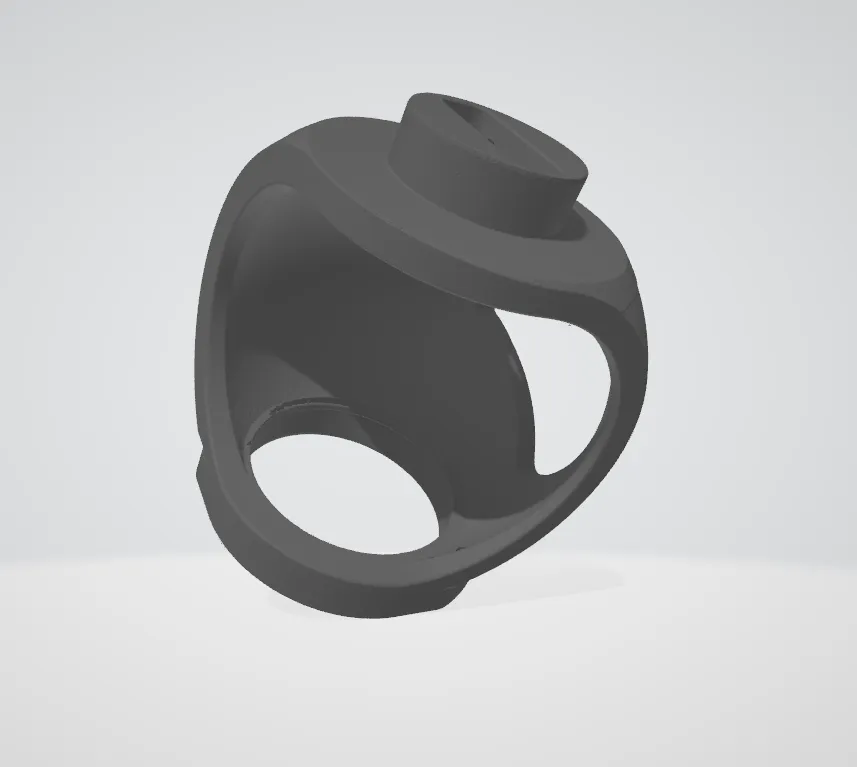
The original maker is gone or the drawings never existed. We recover the geometry from the part itself.
Industries
Parts and tooling for sectors where downtime is expensive and paperwork matters.
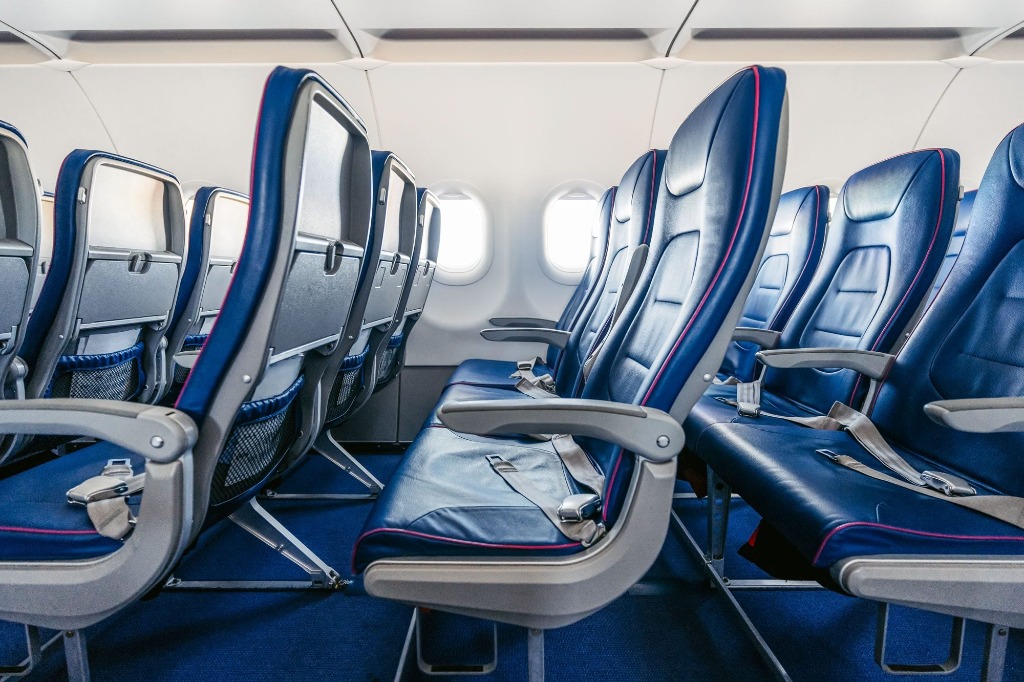
All industries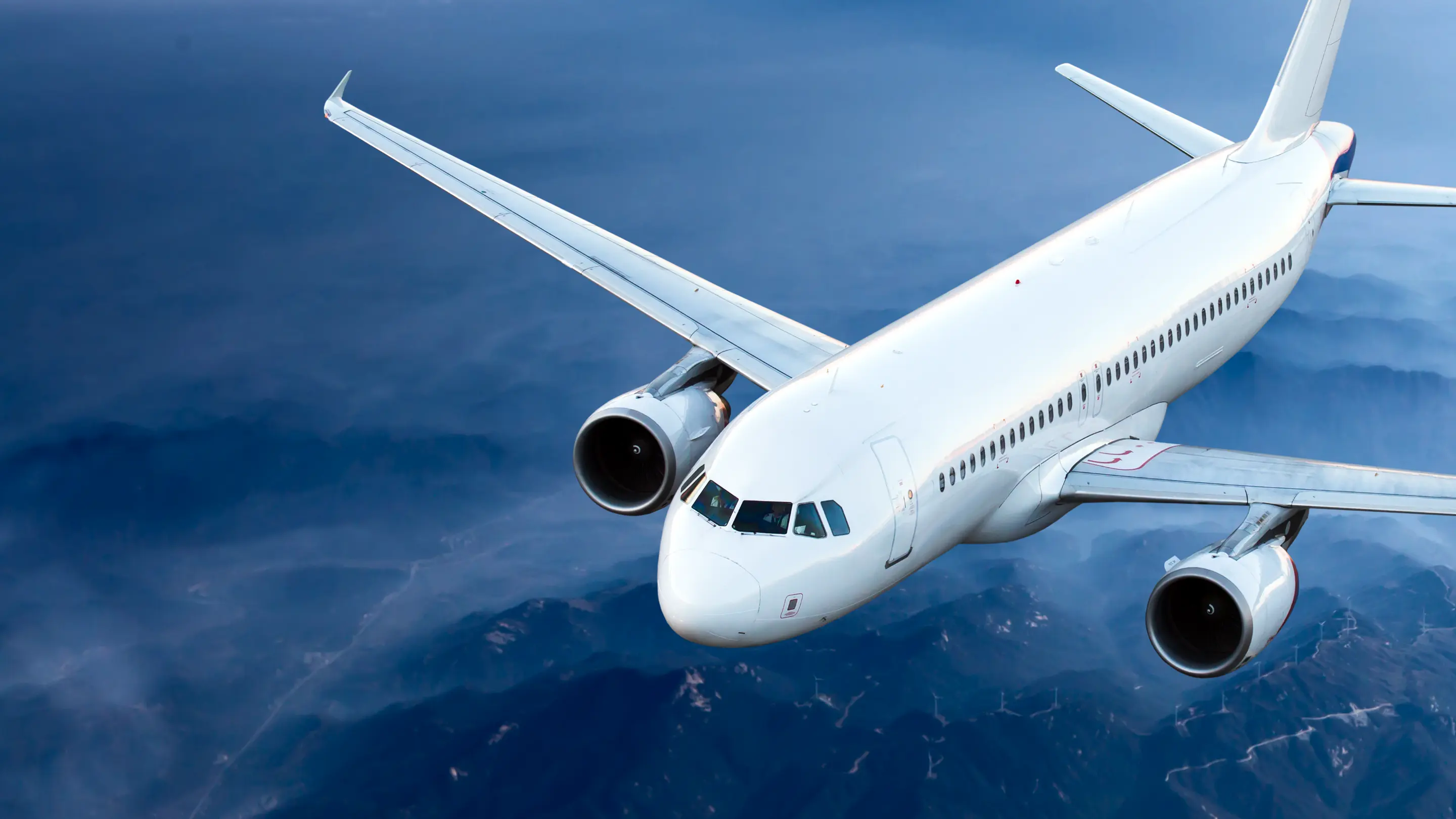 AviationCabin interior parts released with EASA Form 1.
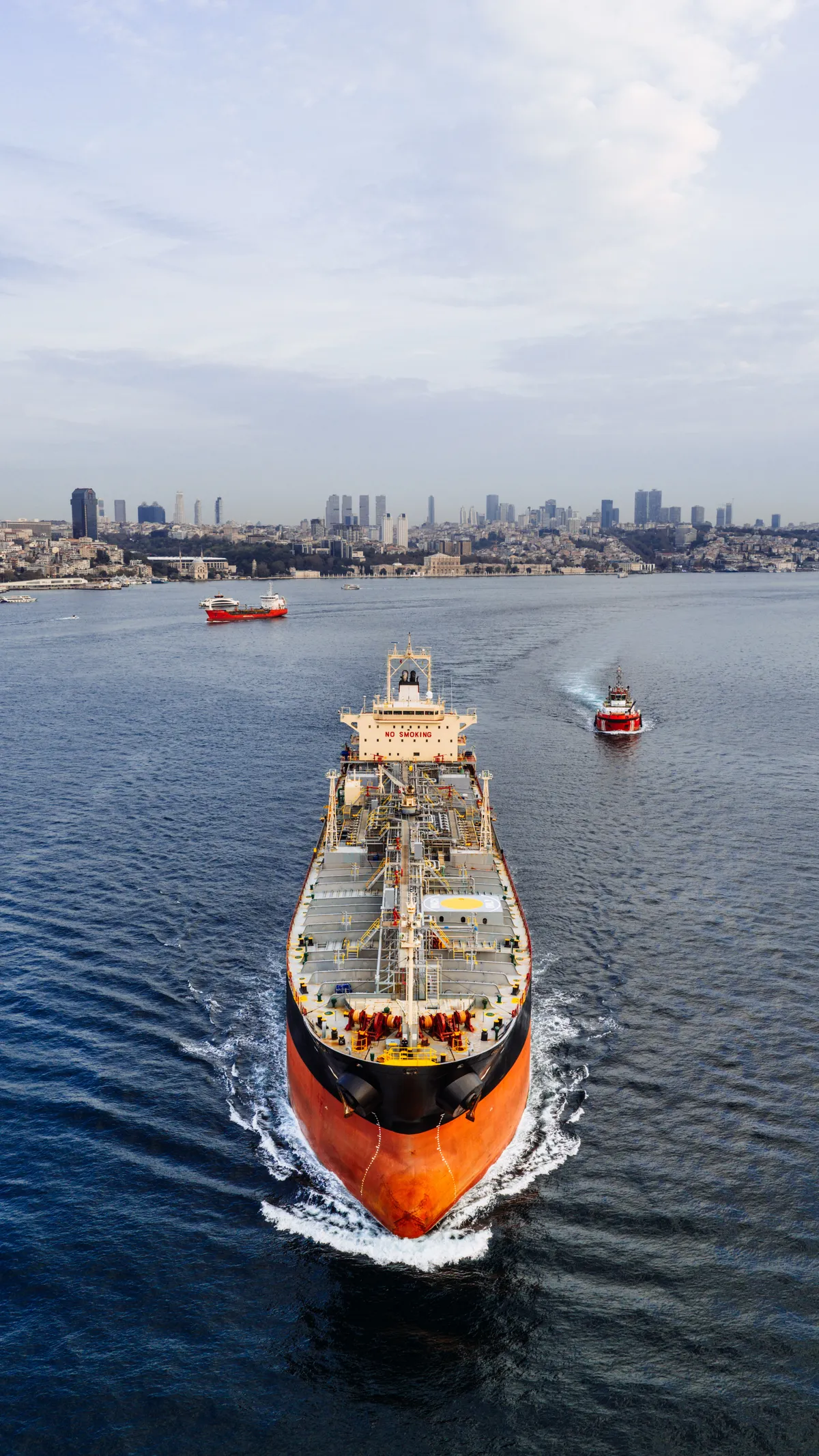 MaritimeReplacement parts and tooling that keep vessels running.
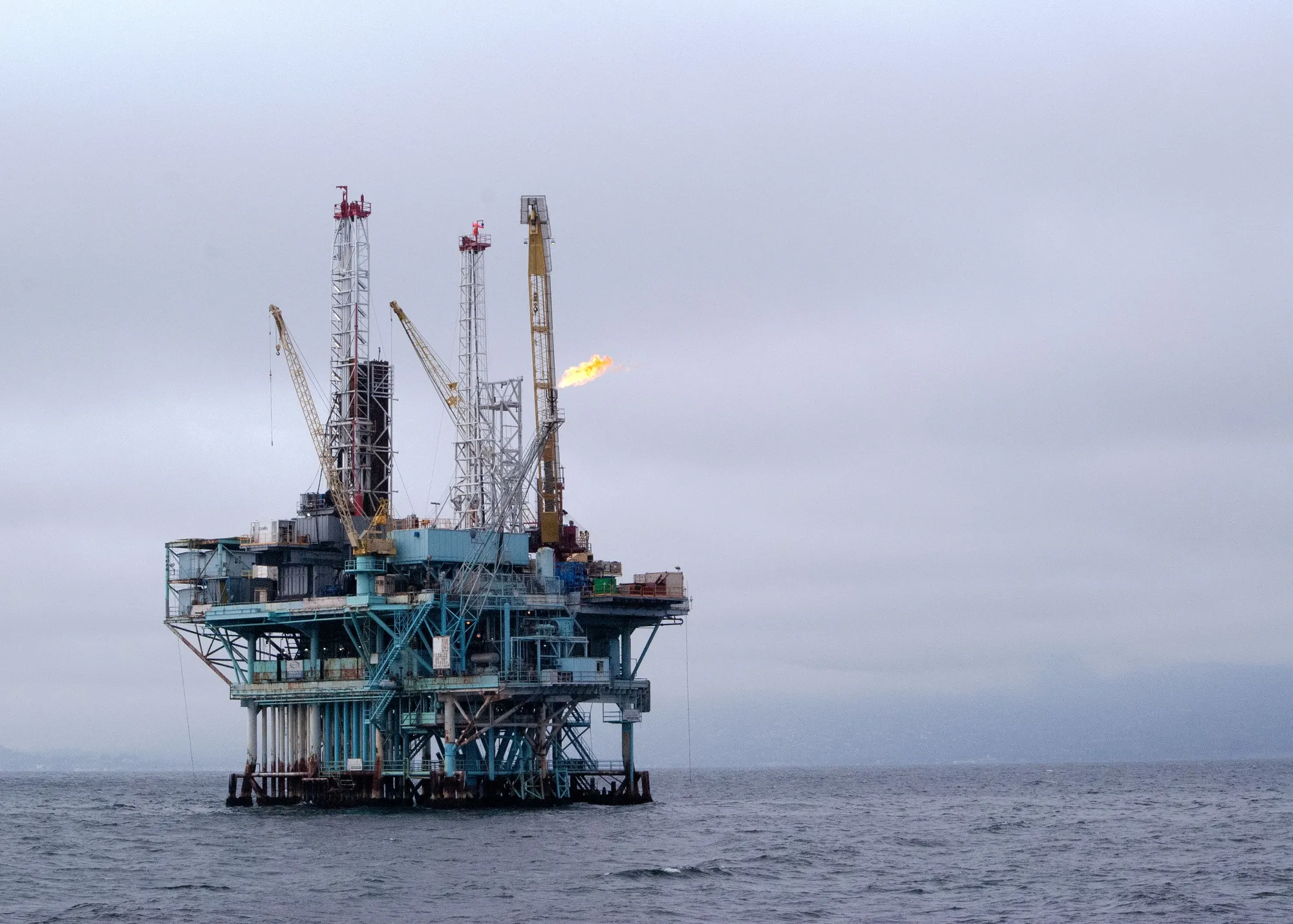 Oil & GasObsolete components rebuilt in polymer and metal.
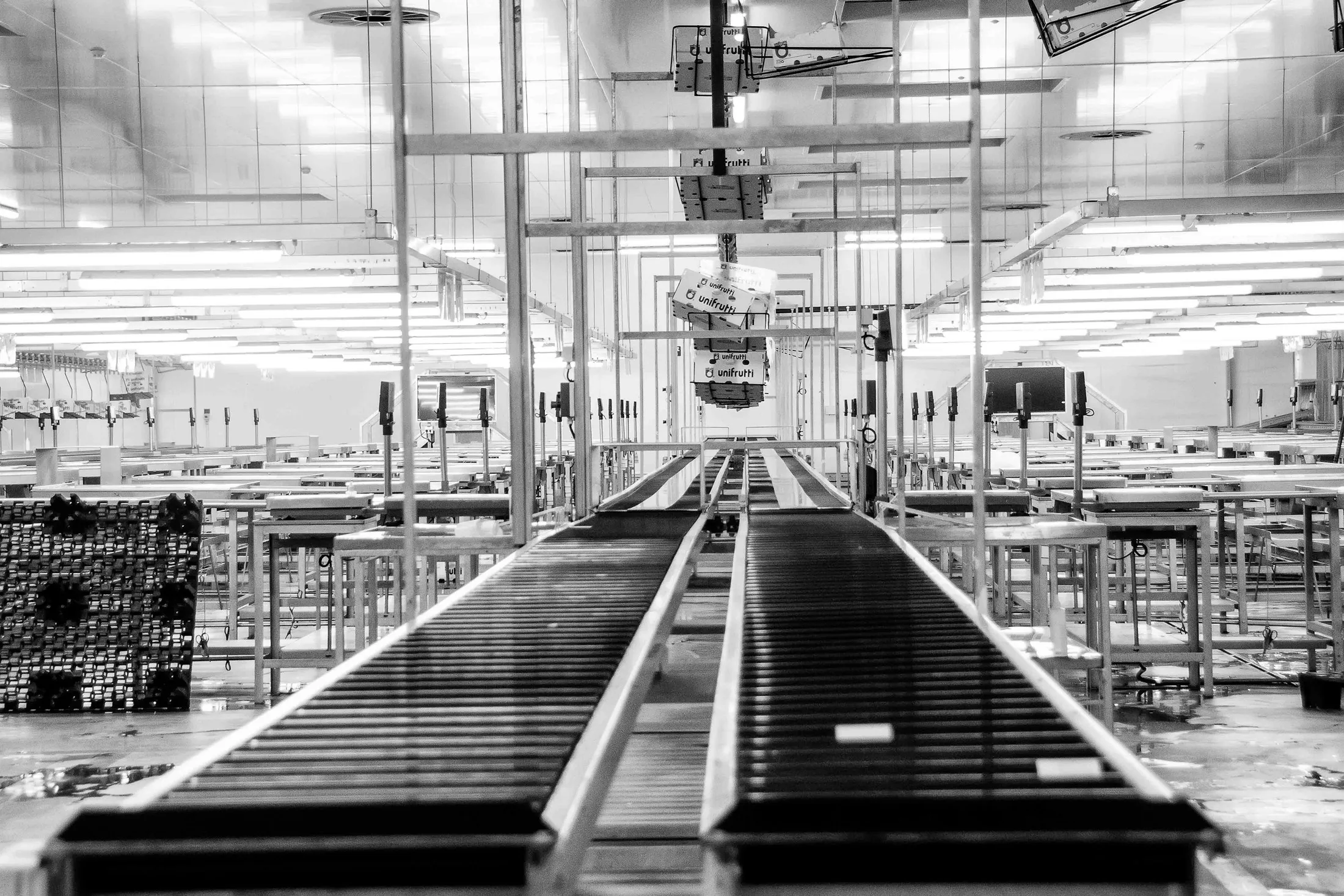 Industrial ManufacturingJigs, fixtures and end-use parts for the factory floor.
 Aerospace & DefenceControlled, local manufacture for sensitive programmes.
Company
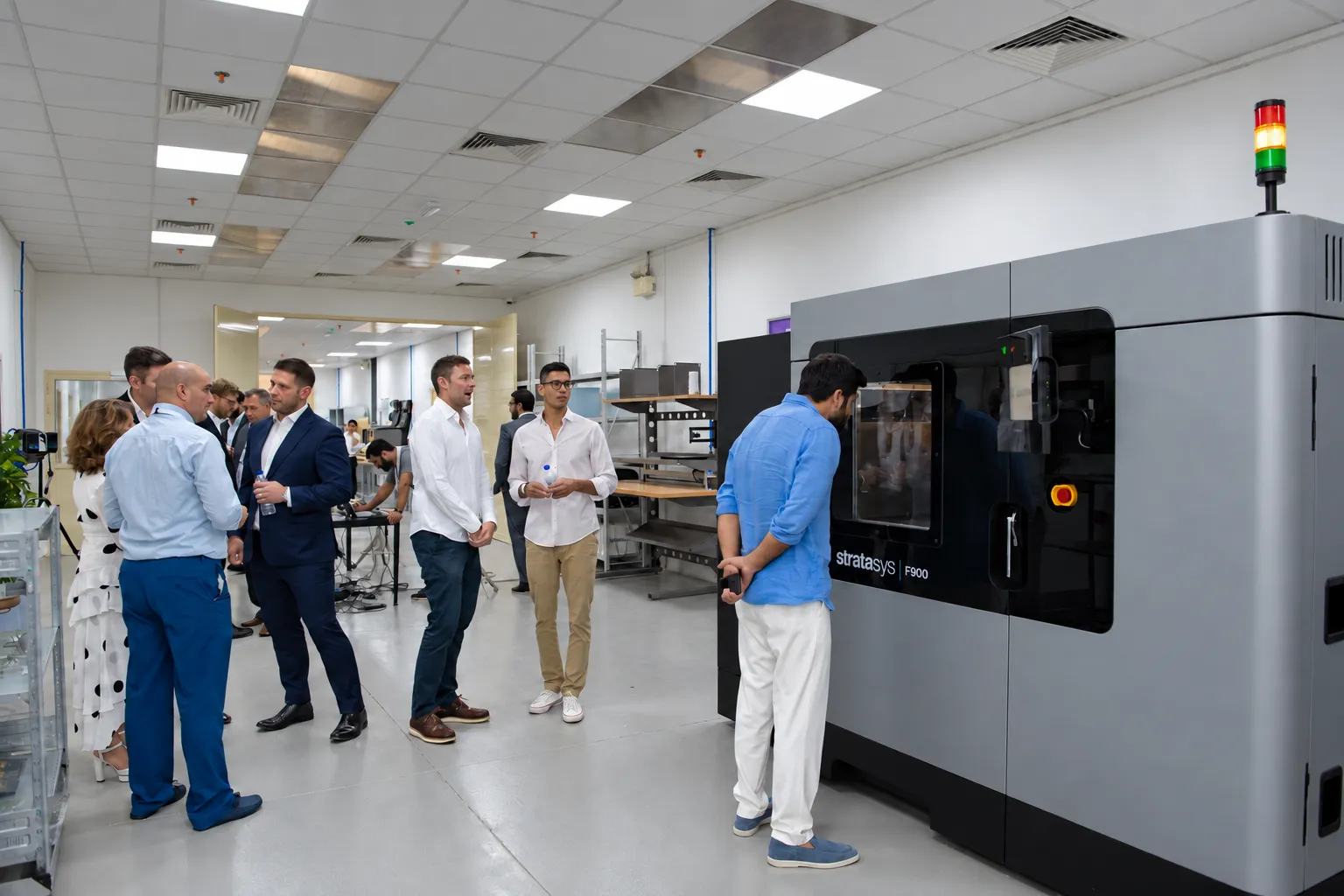
A 10,750 sq ft additive manufacturing facility in Jebel Ali, Dubai, since 2023.
About Paradigm 3D
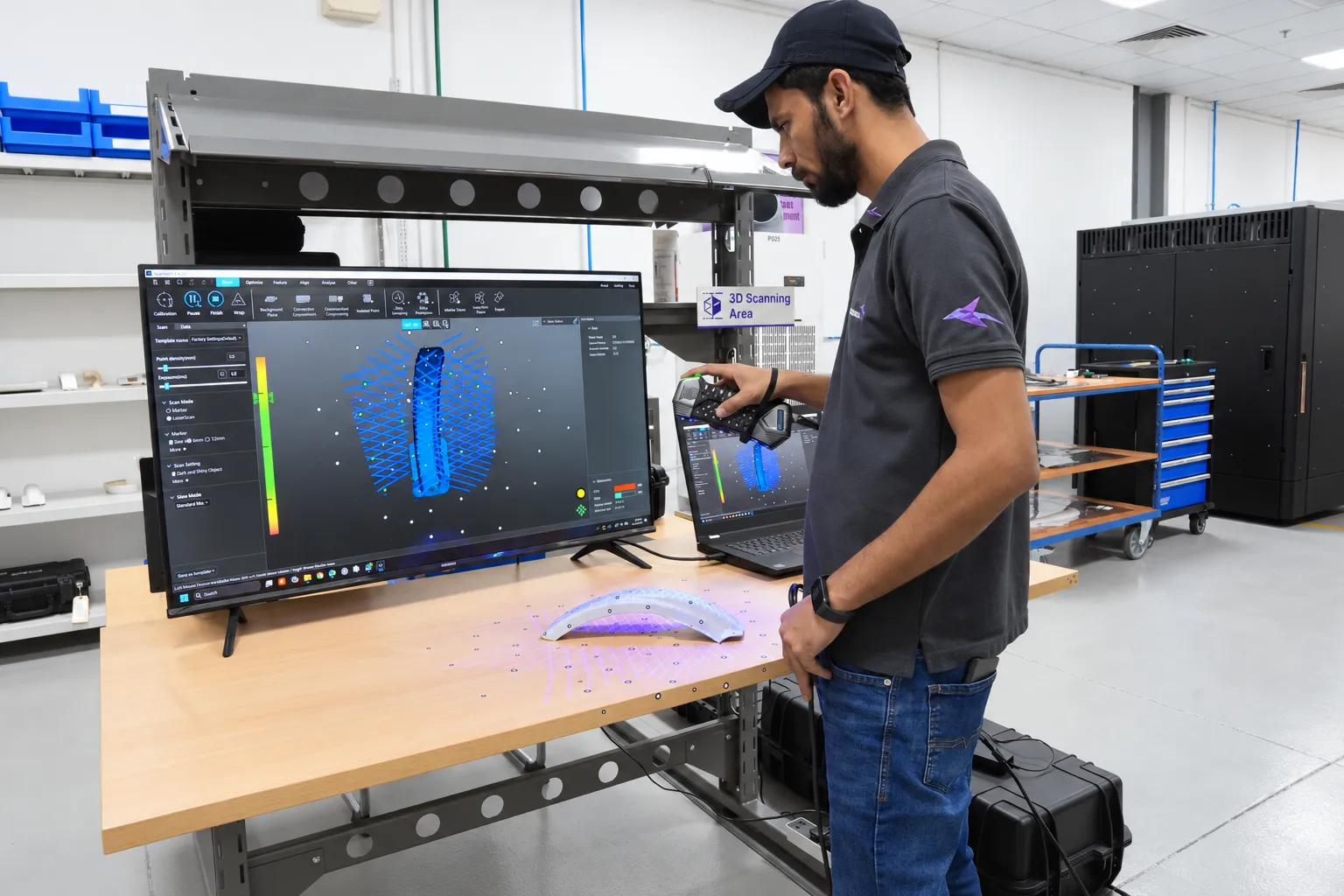
We scan worn, obsolete and undocumented components and rebuild them as clean CAD, drawings and inspection reports, ready to print, machine or modify.
Missing CAD, undocumented changes and complex surfaces stop a part from being reproduced. Scanning records the real geometry. Reverse engineering turns it into a model you can build from.
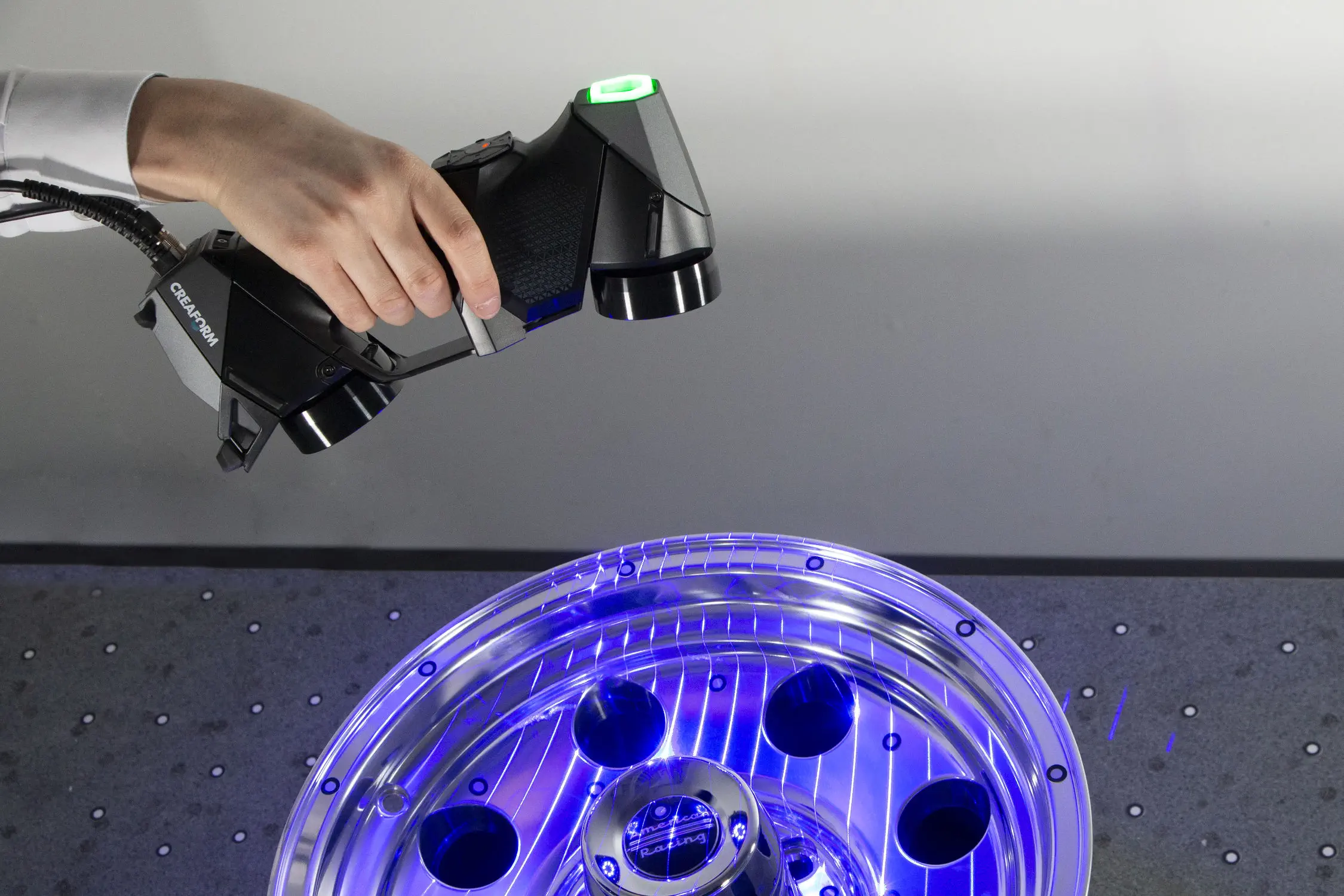
Before we scan, we agree which features matter and what the data has to do next, so you get a model fit for purpose rather than a raw point cloud.
Most of our scanning work starts with a part that has to keep running and a supplier who can no longer help.
The original maker is gone or the drawings never existed. We recover the geometry from the part itself.
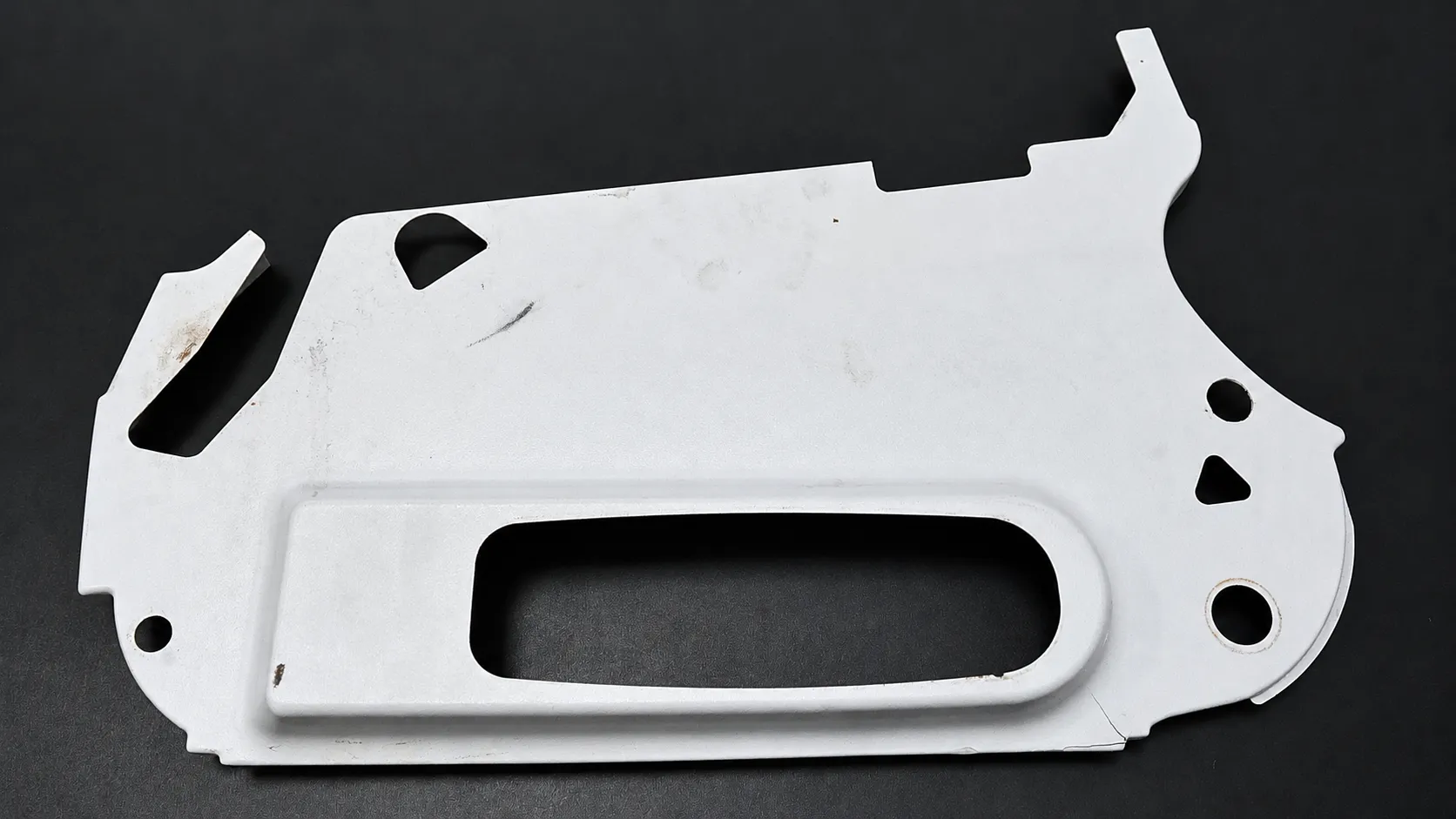
We separate the measured wear from the geometry the part should have, then rebuild the nominal shape.
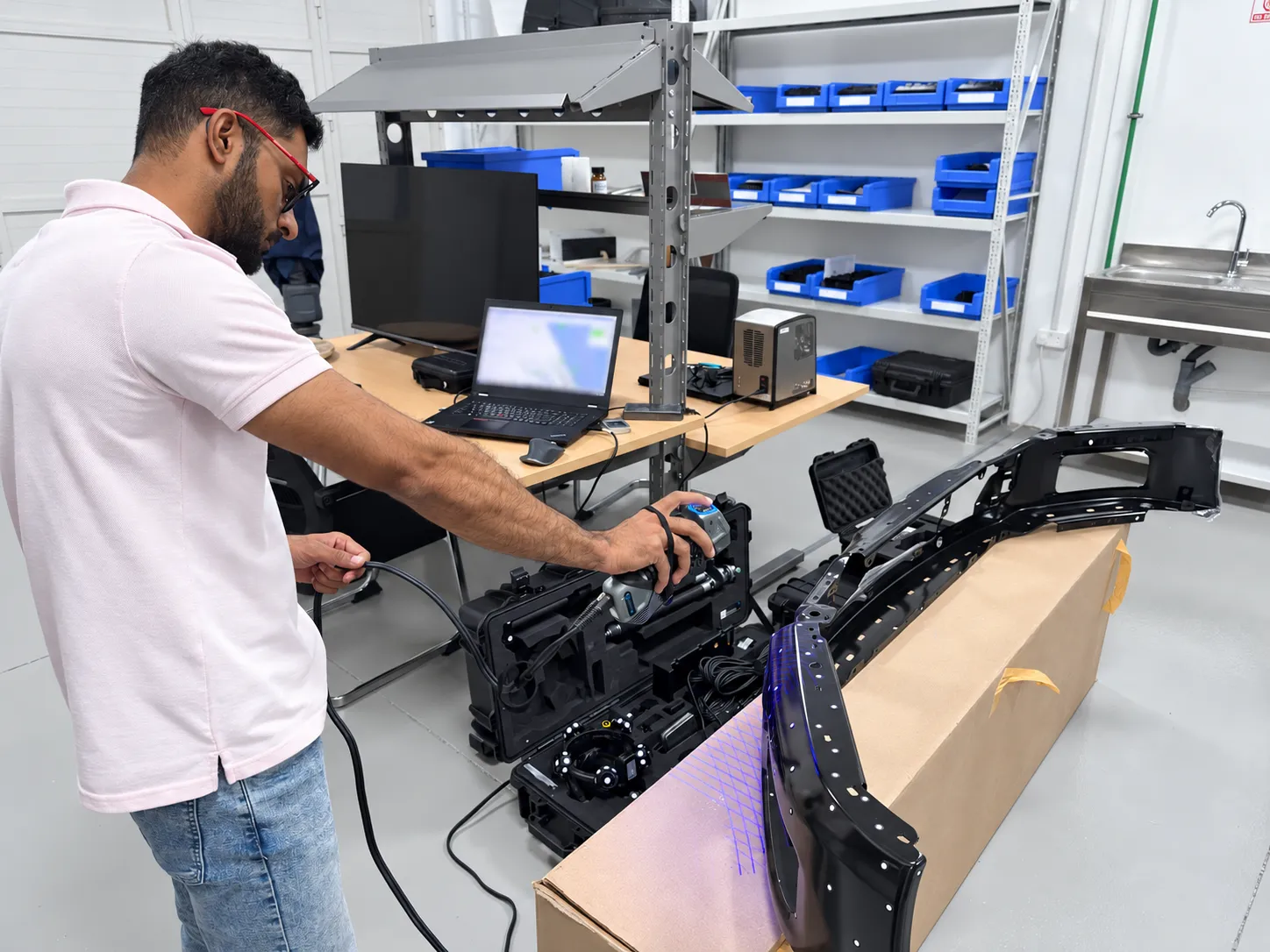
Capture the surrounding geometry so new housings, brackets and covers fit first time.
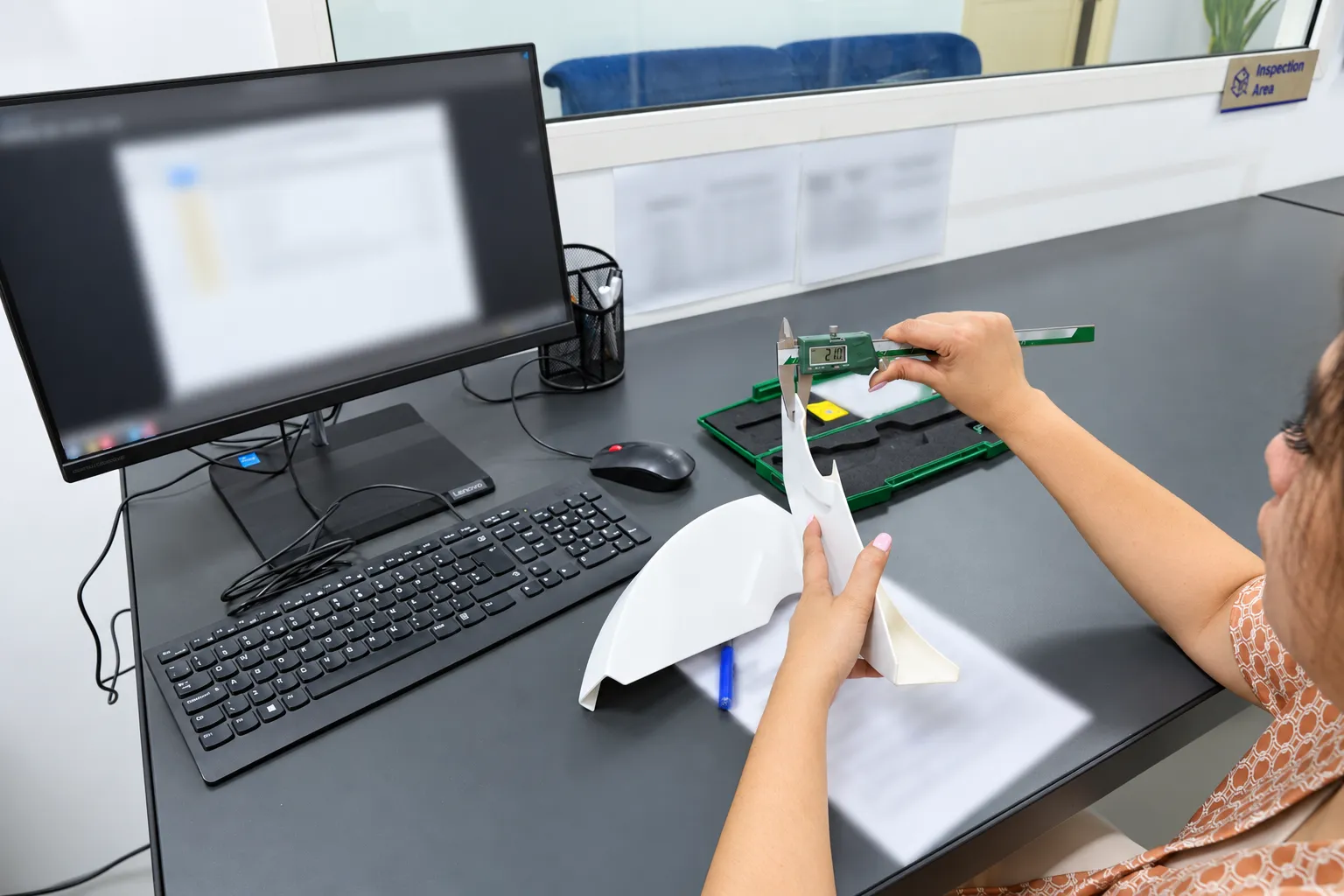
Compare a manufactured or in-service part with its design and see exactly where it differs.
Small fine-featured parts, mid-size components and large structures each need a different capture method. We run several and choose by size, surface and access.
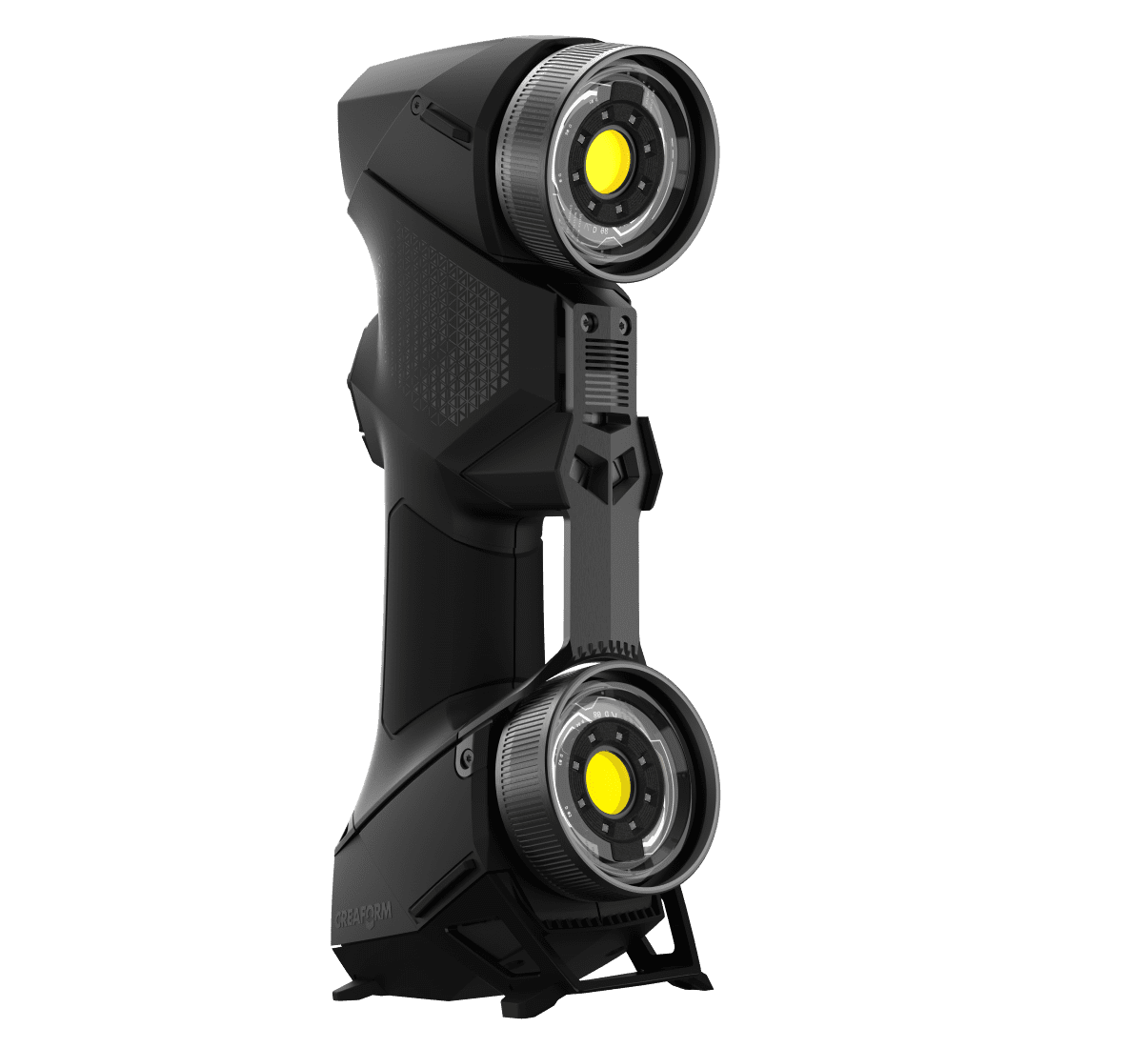
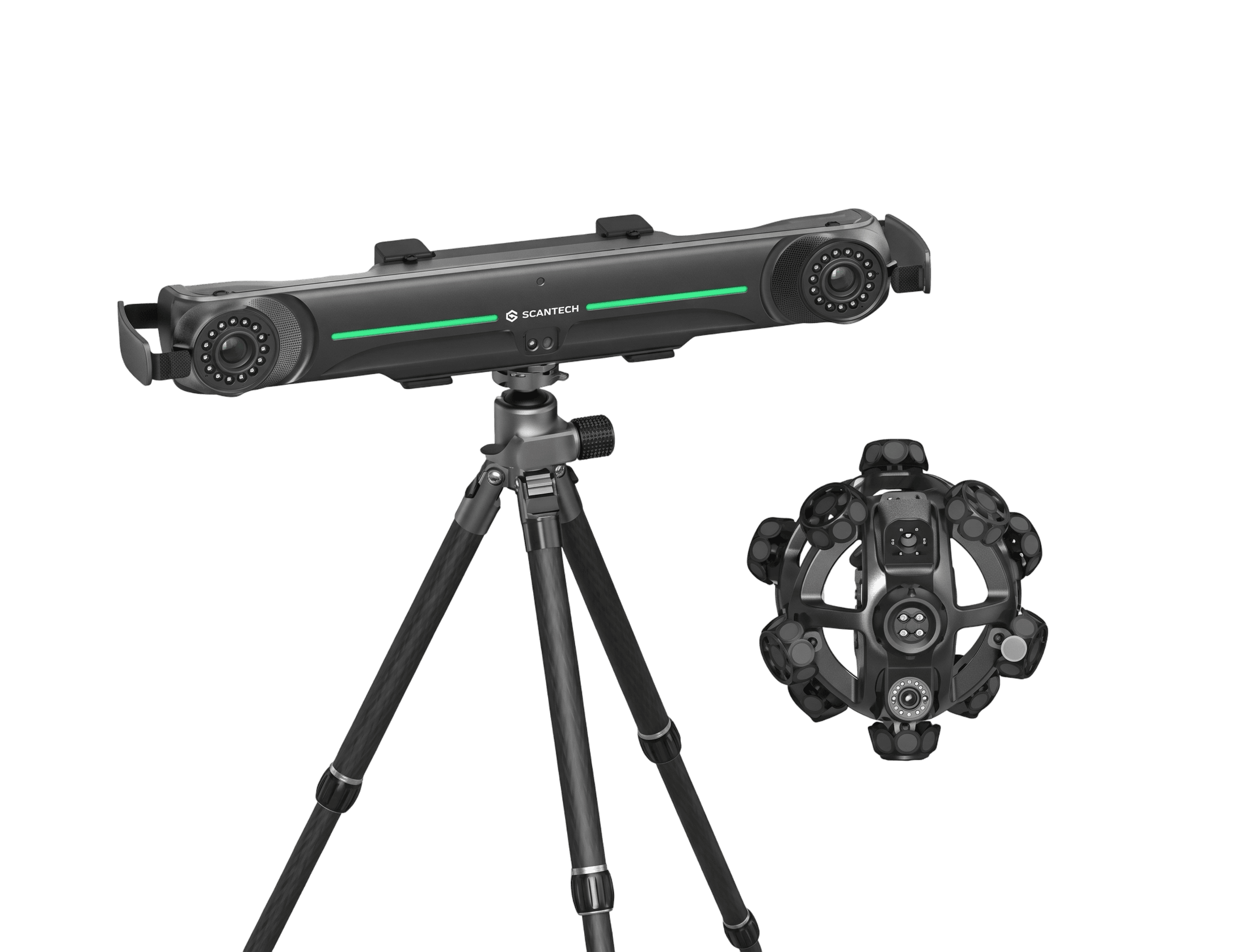
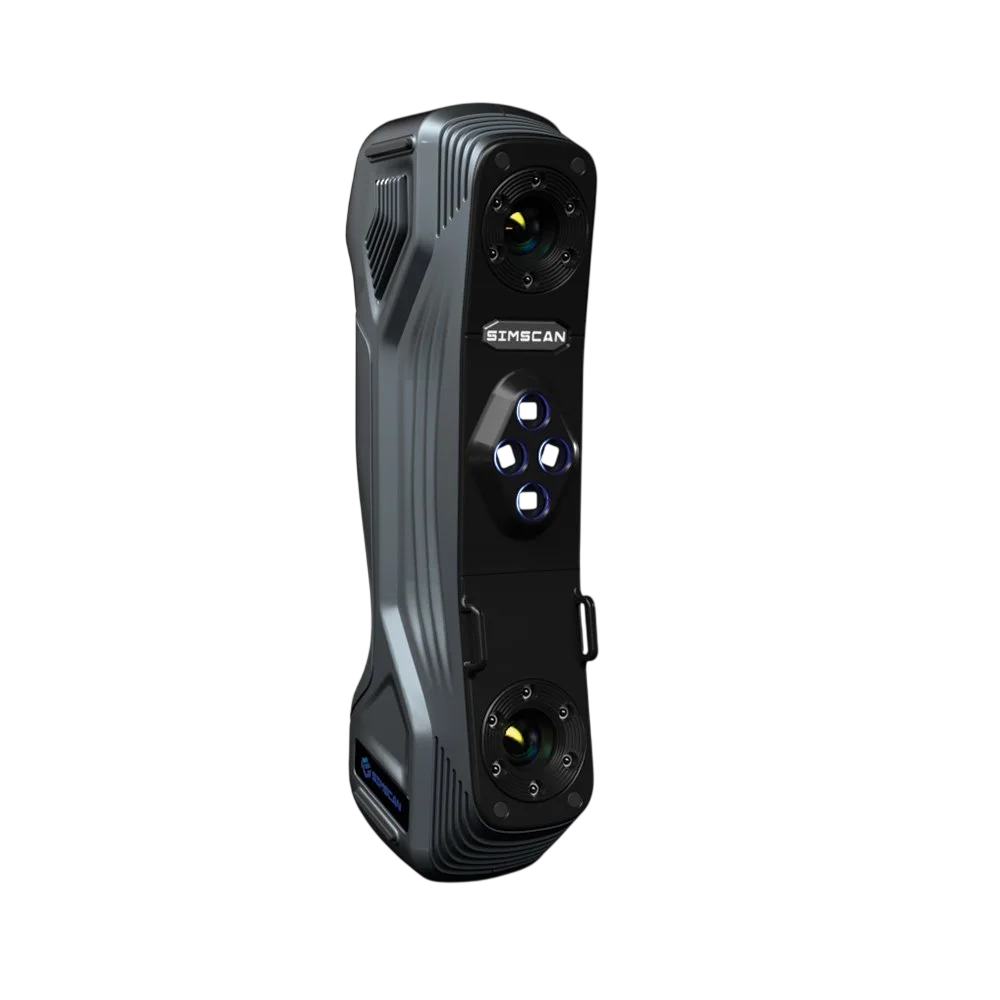
Accuracy figures are manufacturer specifications. The accuracy of a finished model also depends on part size, surface, access and alignment, which we review before we confirm the job.
A mesh, a parametric model, a drawing and an inspection report do different jobs. Choose the output and we scope the scan around it.

A cleaned, registered polygon mesh of the measured surface. The quickest output, and the right one when you need a record of the part as it is.
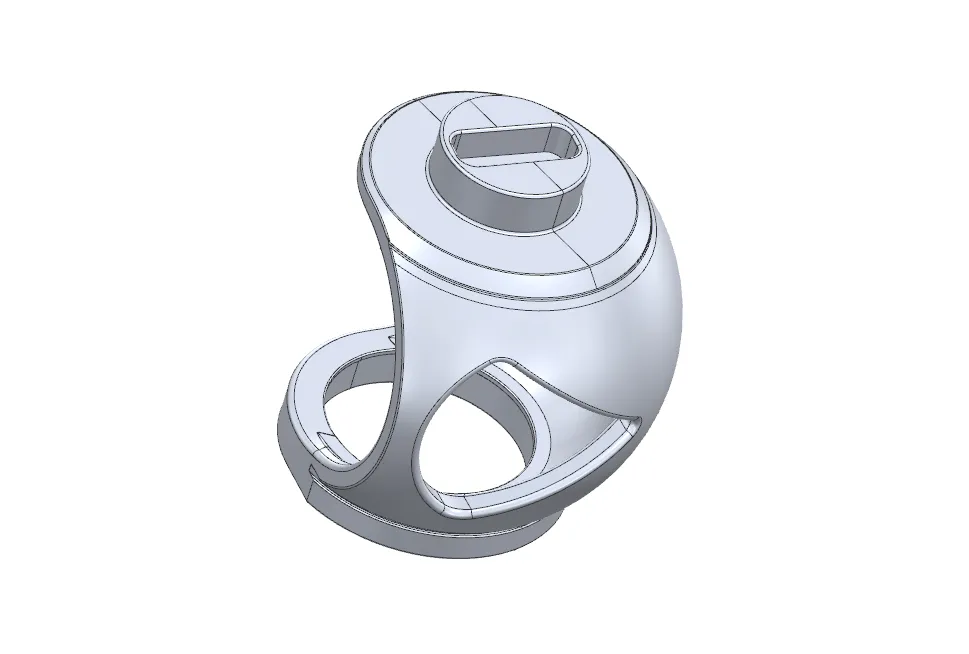
Solid or surface geometry rebuilt from the scan, with feature-based modelling where the part allows it. Edit it, change it and manufacture from it.
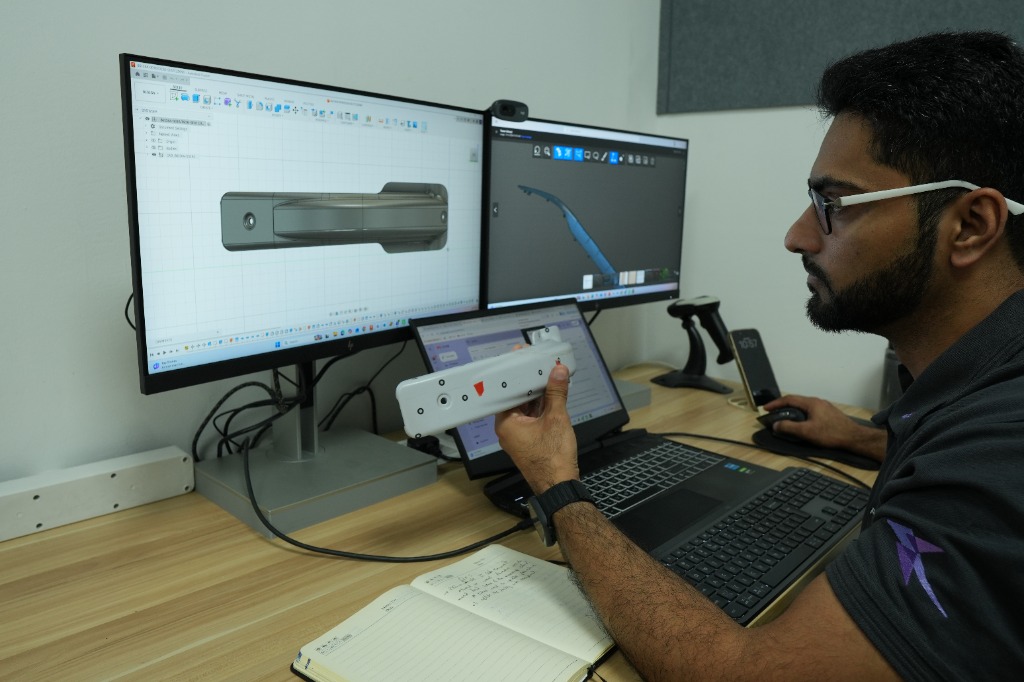
Dimensioned drawings produced from the reconstructed model, so the part can be quoted, made and checked by any supplier, including us.
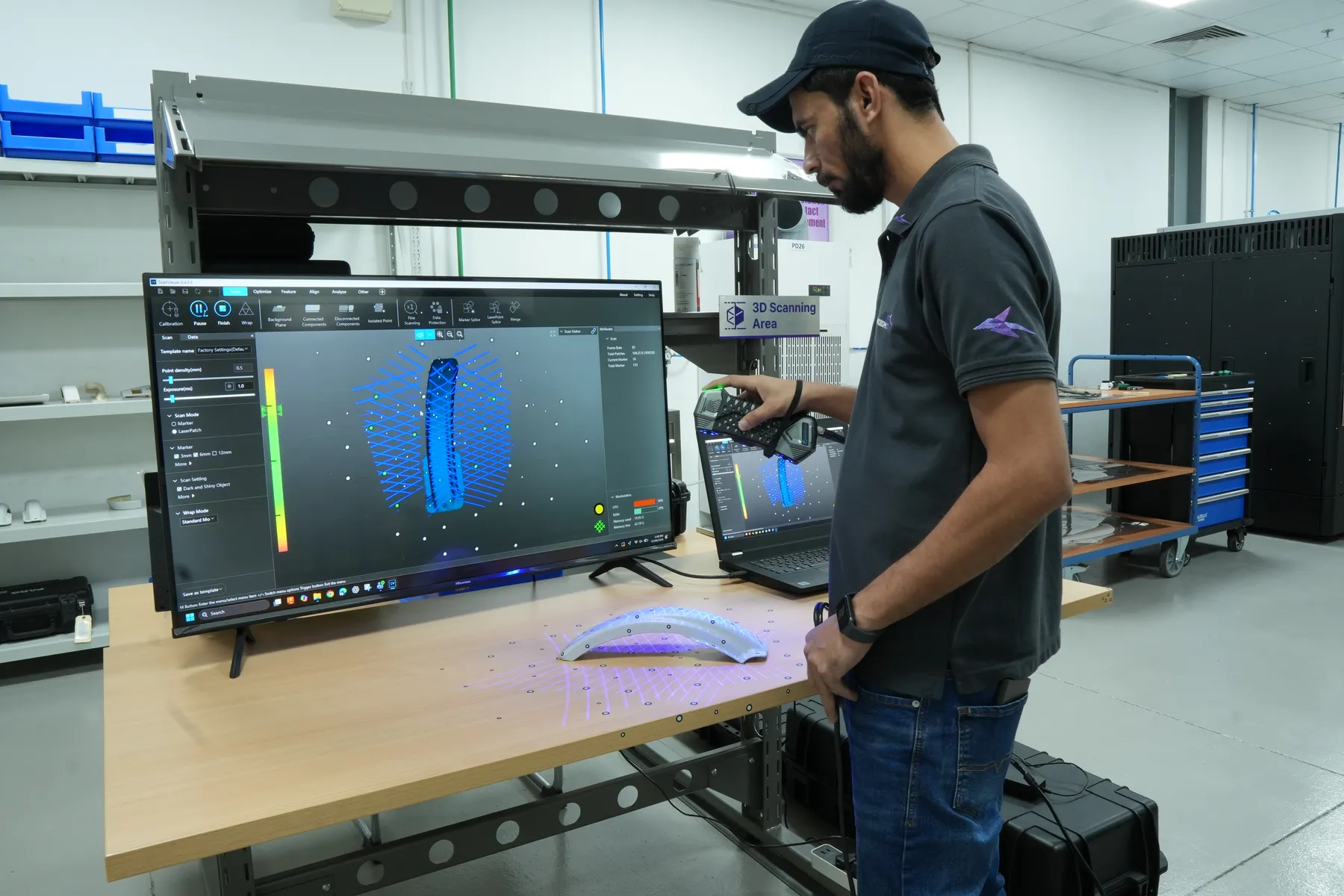
The scan is aligned to your CAD and every surface is coloured by how far it sits from nominal, with callouts on the features you care about.
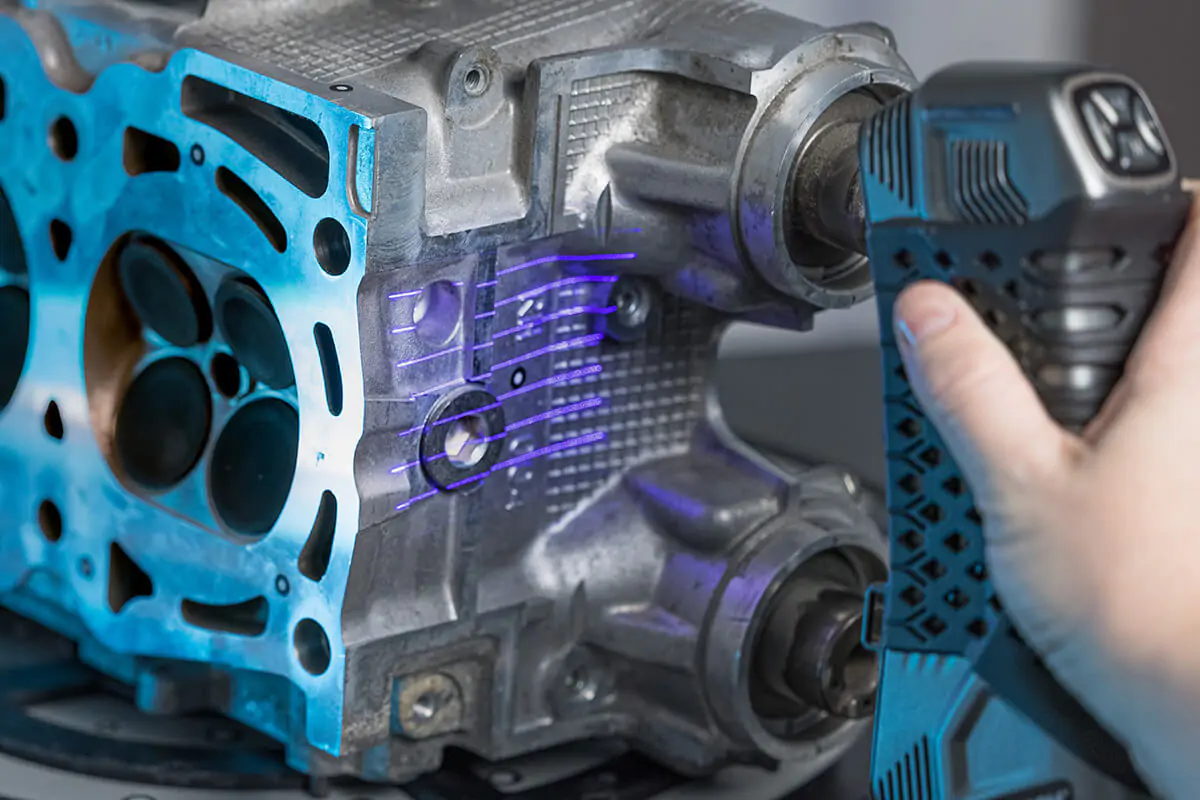
Clear photos and a sentence on what the data is for are enough to start. The more of this you share, the faster we can quote.
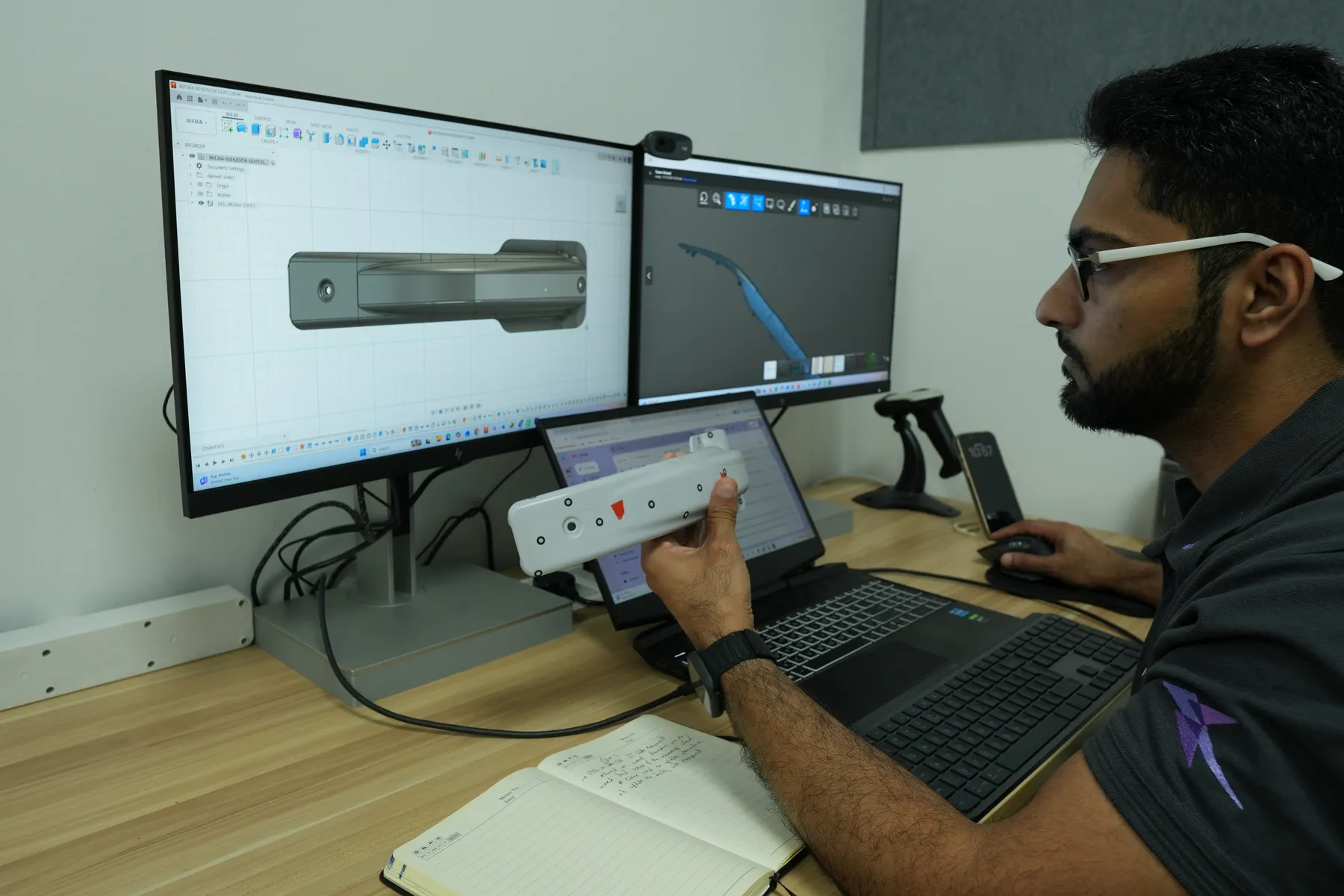
Because scanning, engineering and production sit in the same Jebel Ali facility, the model goes straight to our printers without changing hands.
We scanned an existing oil and gas valve cage to capture its external geometry and fit. Consultant 3D Energy adapted the design for additive manufacturing, and the part was produced in metal with technology partner Eplus3D.
Anything else? See all FAQs
A scan is measured surface geometry, stored as a polygon mesh. A CAD model is rebuilt from that mesh as editable solids or surfaces. Tell us whether you need a reference mesh, editable CAD, drawings or a comparison report.
Yes. The part itself is the starting point. Mating parts and a description of its function help us establish critical features. Original tolerances and material properties cannot be read from a scan, so we review them with you.
We can model it exactly as it is, or rebuild the nominal geometry it should have. Rebuilding nominal shape uses mating parts, symmetry and your input, and we agree those assumptions before modelling.
Our scanners are rated up to 0.020 to 0.025 mm by their manufacturers. The accuracy of the finished model also depends on part size, surface, access and alignment, so we confirm what is achievable for your part before we start.
Reflective, dark or transparent areas may need a temporary surface treatment or a different capture approach. Optical scanners need line of sight, so hidden internal features are reviewed before we agree coverage.
Yes. All our scanners are portable, and the wireless NimbleTrack suits large parts and assemblies that cannot be moved. Tell us where the part is located when you enquire.
Yes, and we can print it for you. Material, tolerances and fit are confirmed for that use. For aviation parts, design approval and release documentation are handled separately from the scanning work.
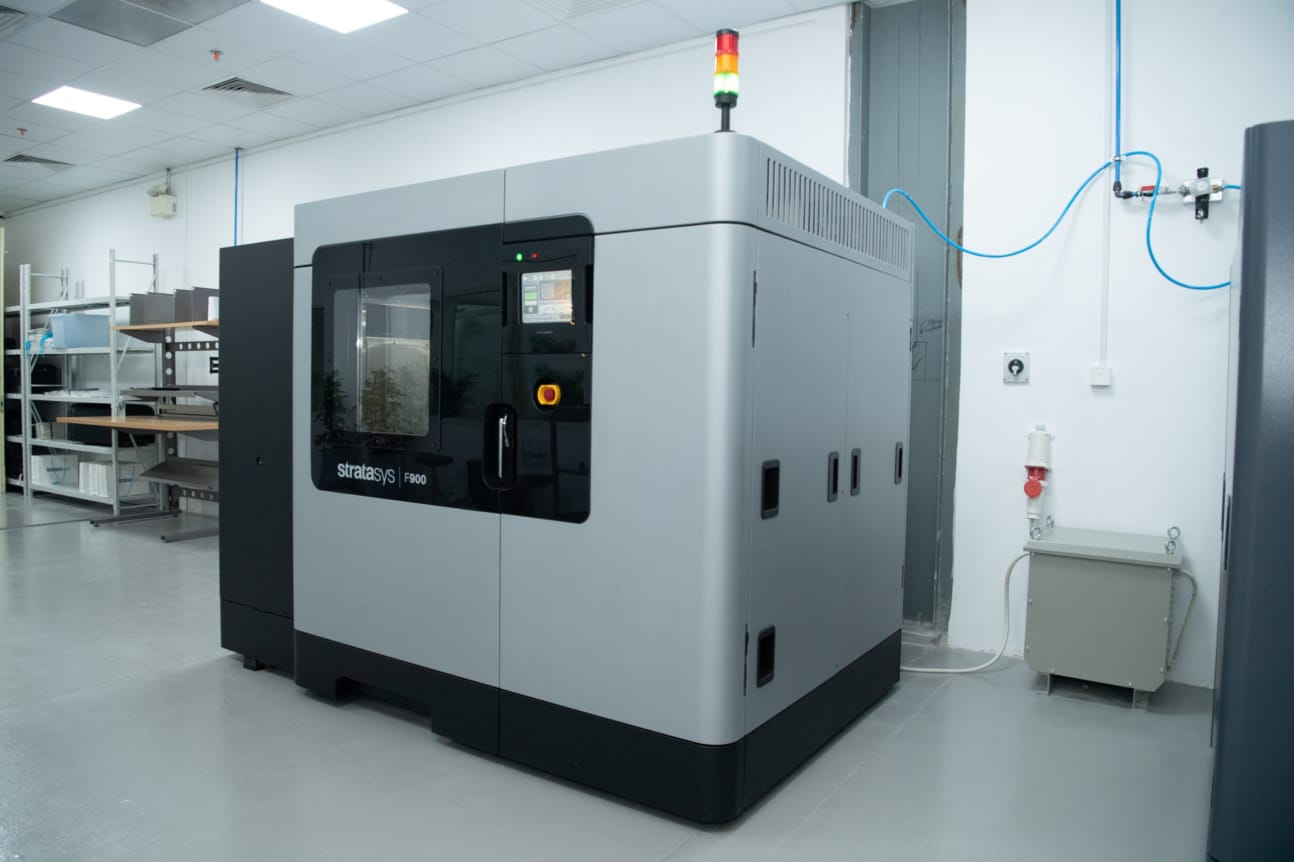
FDM, SLS and metal printing for replacement parts, production and prototypes.
Explore 3D printing
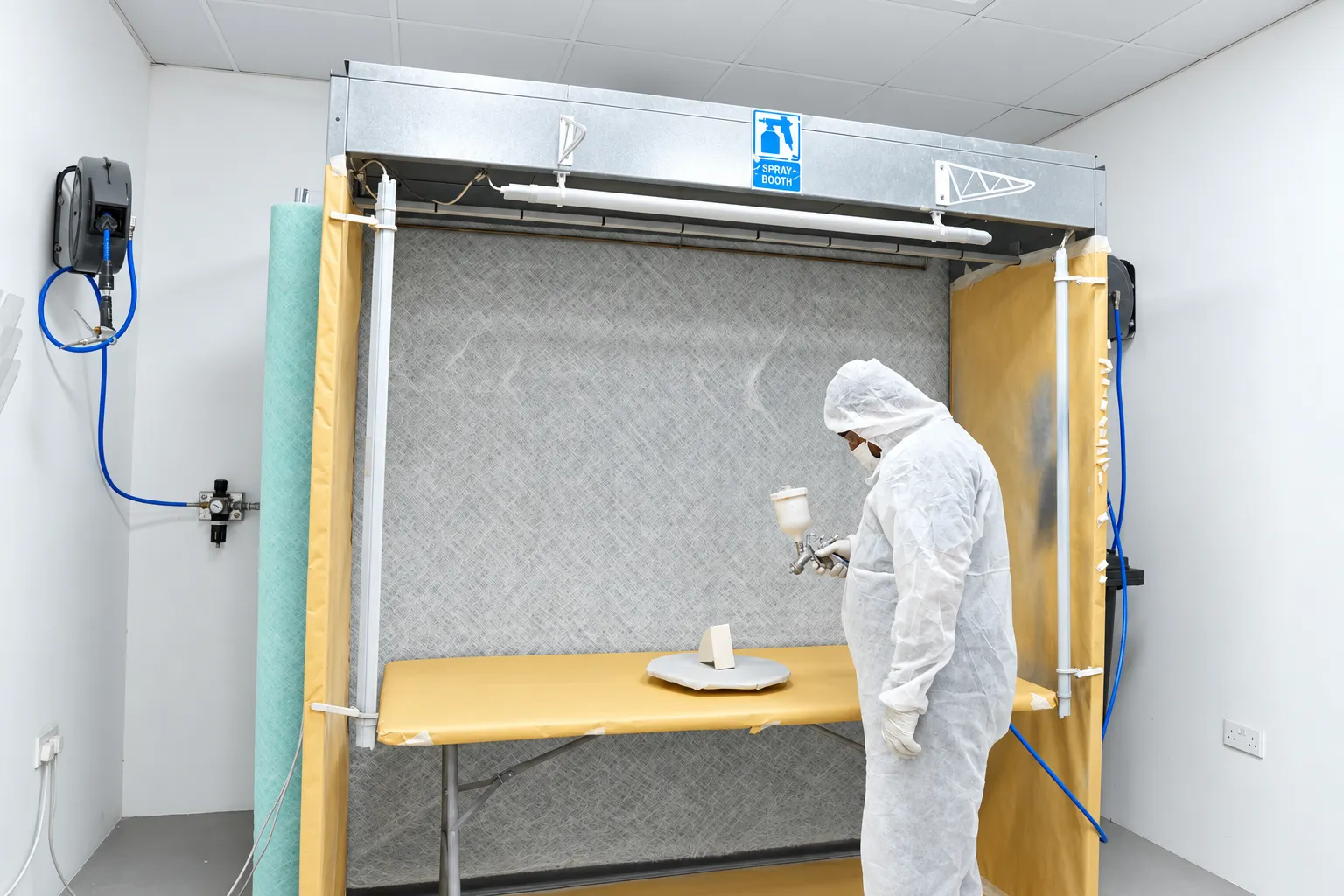
Painting, inserts, assembly and dimensional checks with records that travel with the part.
Explore finishing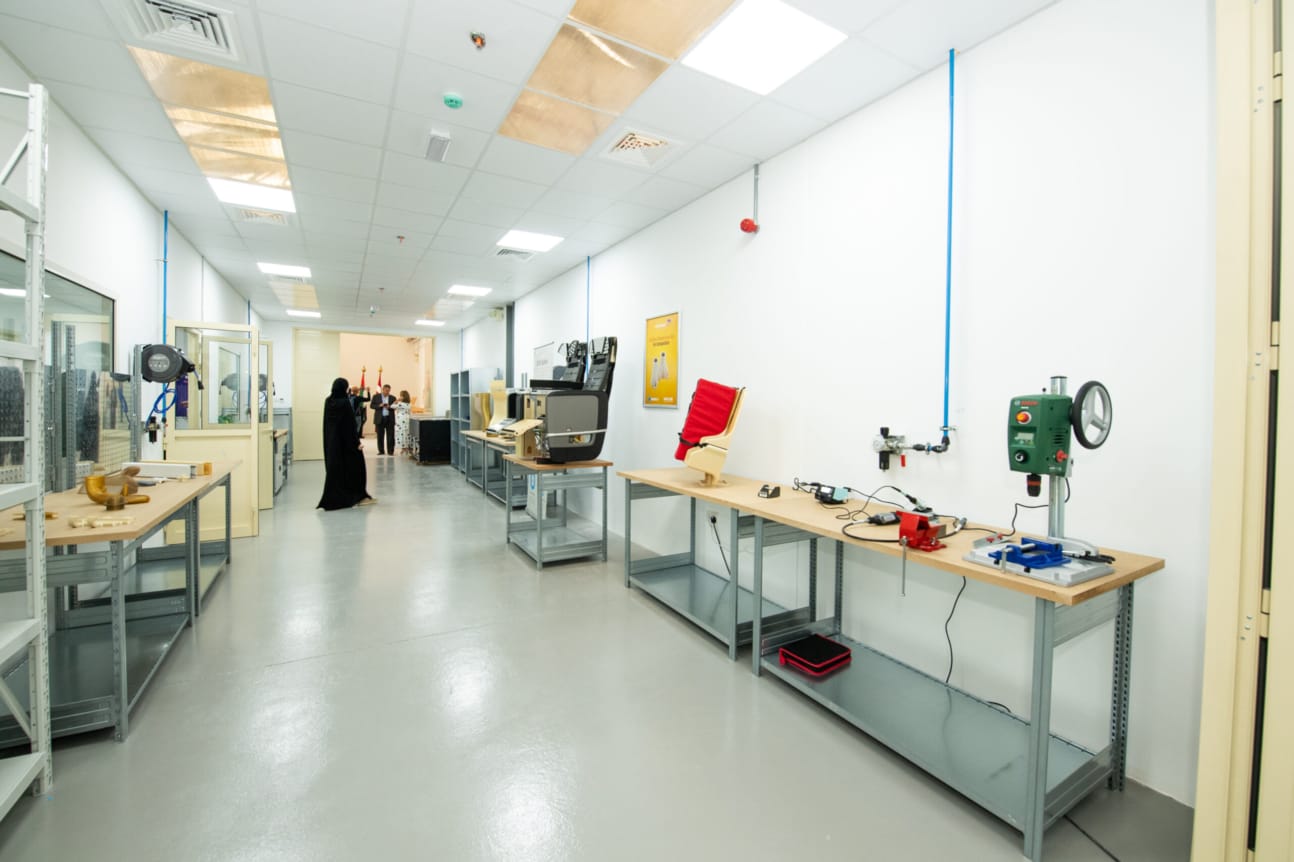
See how scanning, engineering, printing and finishing work together under one roof.
View capabilitiesSend a drawing, a CAD file, or photographs and the old part. Tell us what it does, how many you need and when.