Access difficult geometry
A short camera baseline and a dedicated deep-hole line capture grooves, slots and confined features.
Industries
Parts and tooling for sectors where downtime is expensive and paperwork matters.
All industries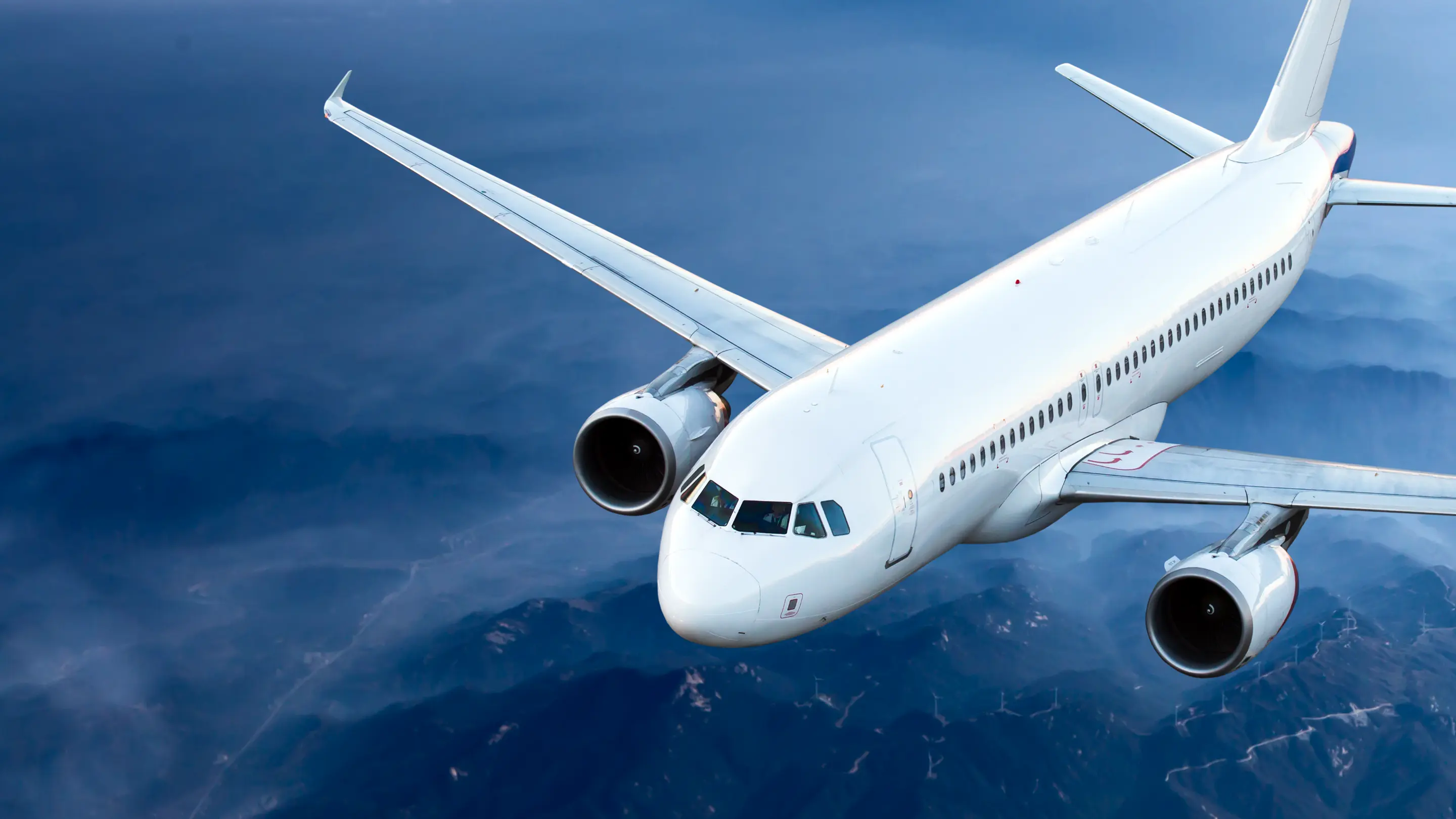 AviationCabin interior parts released with EASA Form 1.
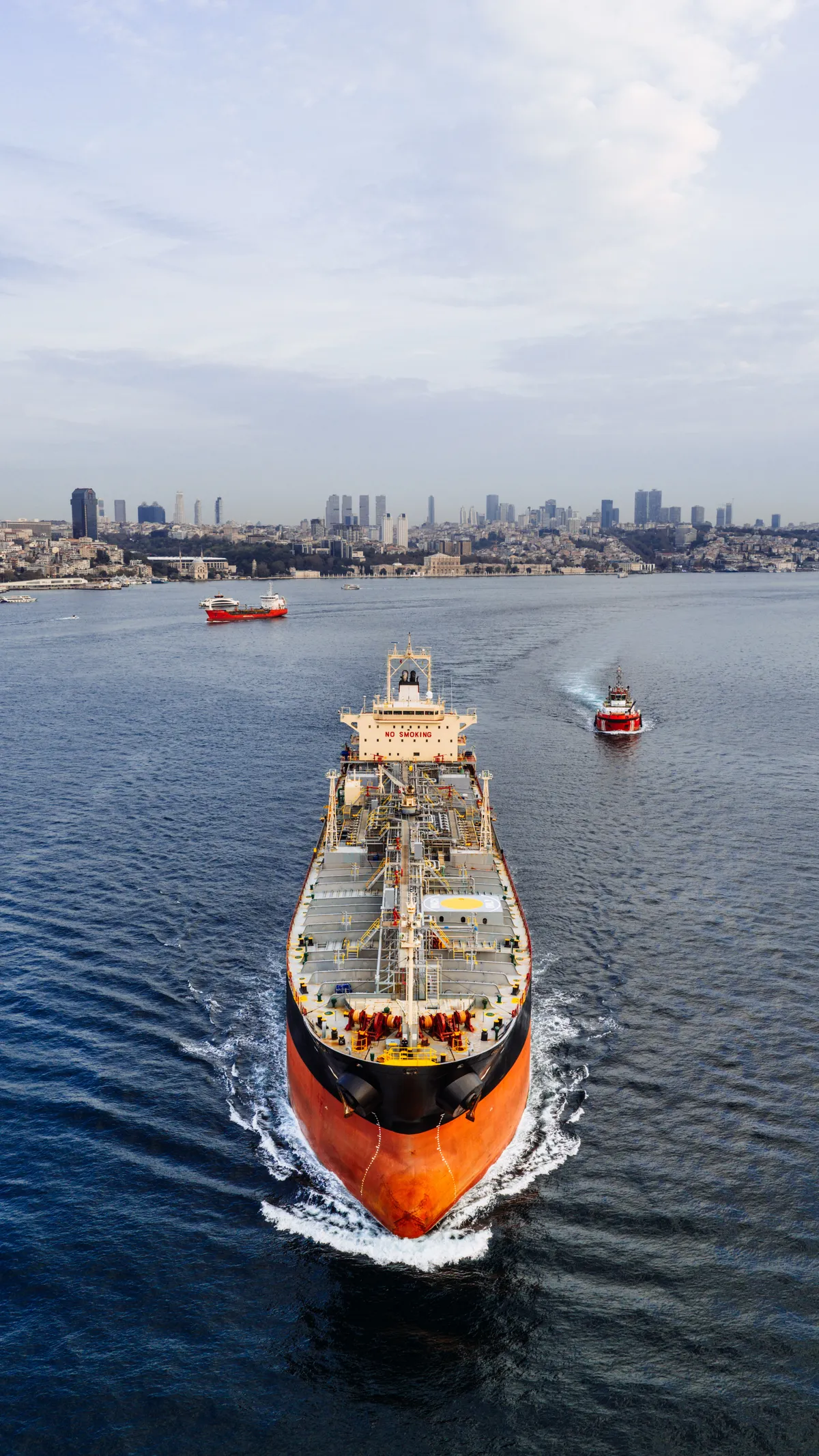 MaritimeReplacement parts and tooling that keep vessels running.
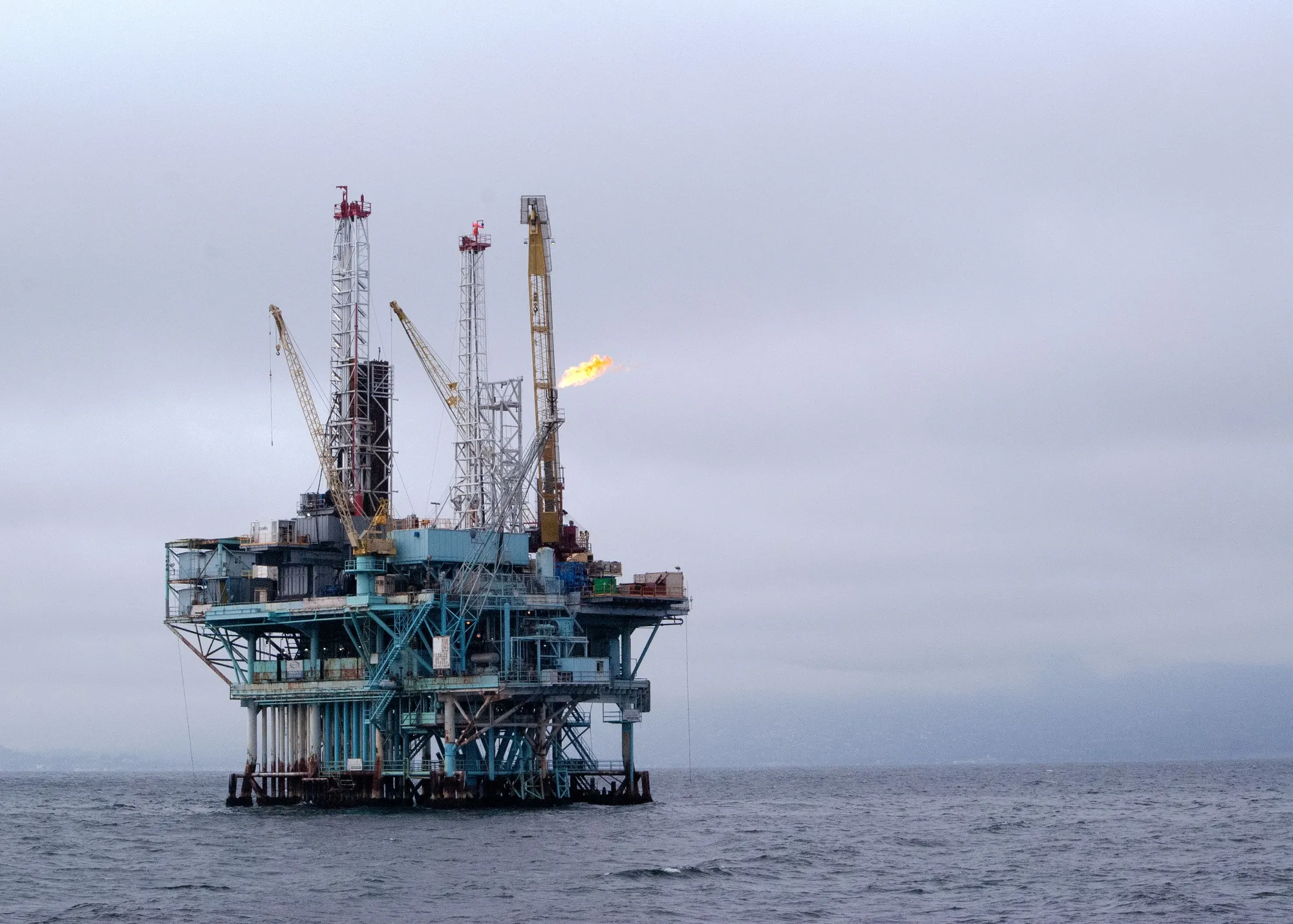 Oil & GasObsolete components rebuilt in polymer and metal.
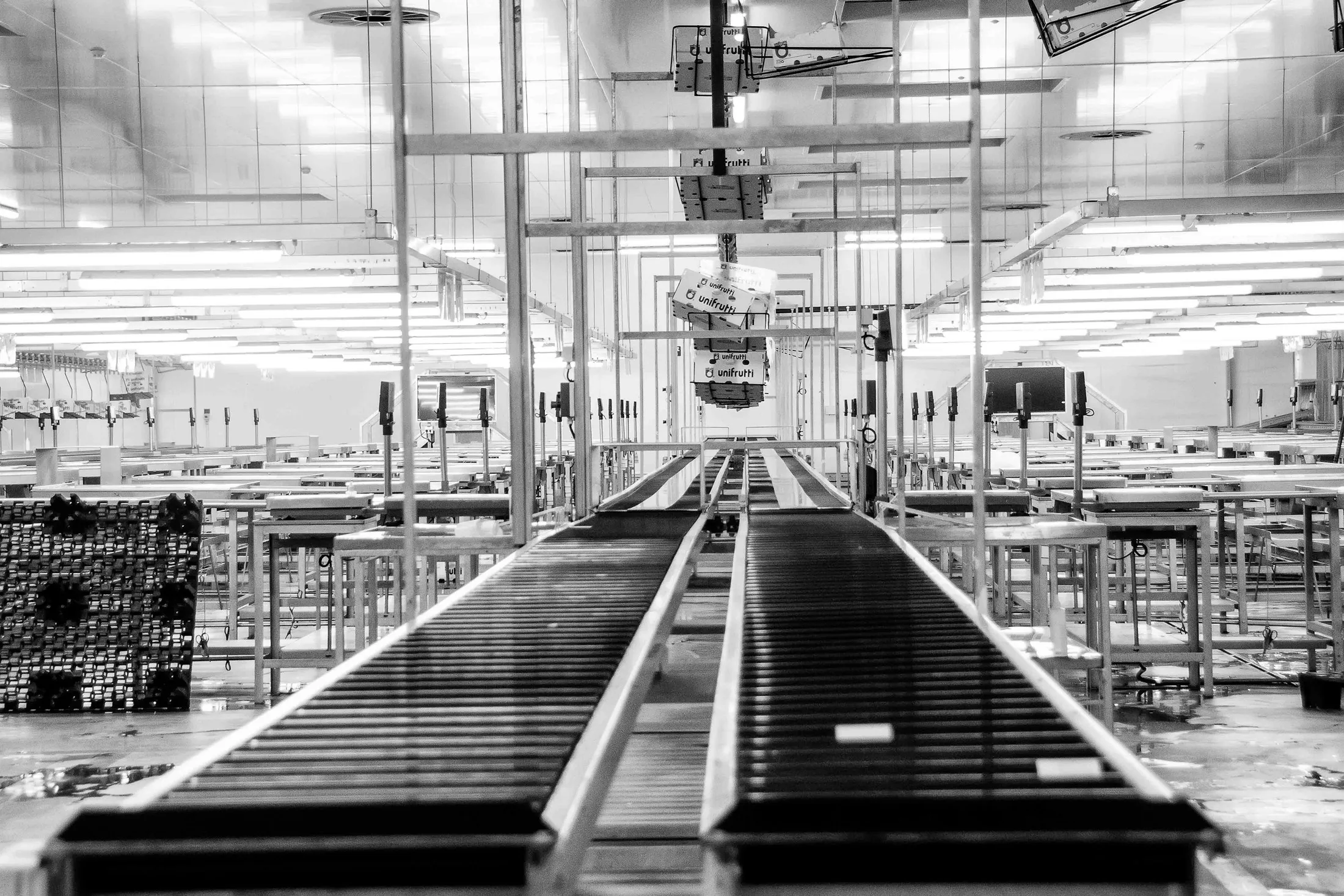 Industrial ManufacturingJigs, fixtures and end-use parts for the factory floor.
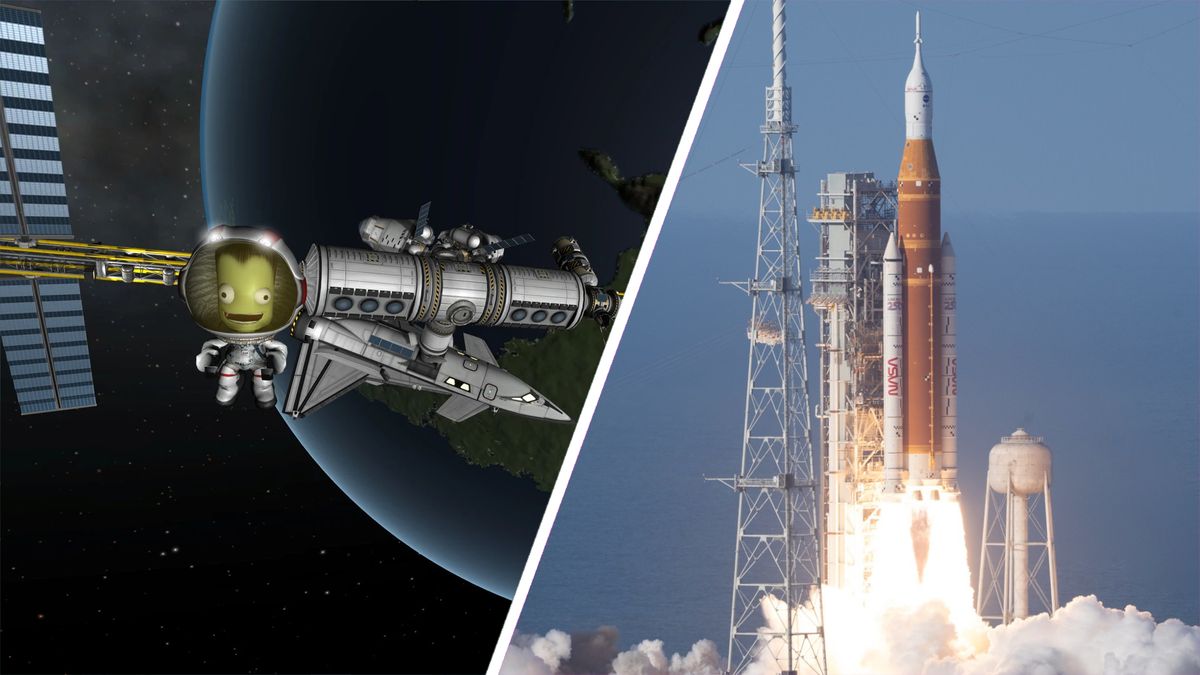 Aerospace & DefenceControlled, local manufacture for sensitive programmes.
Company
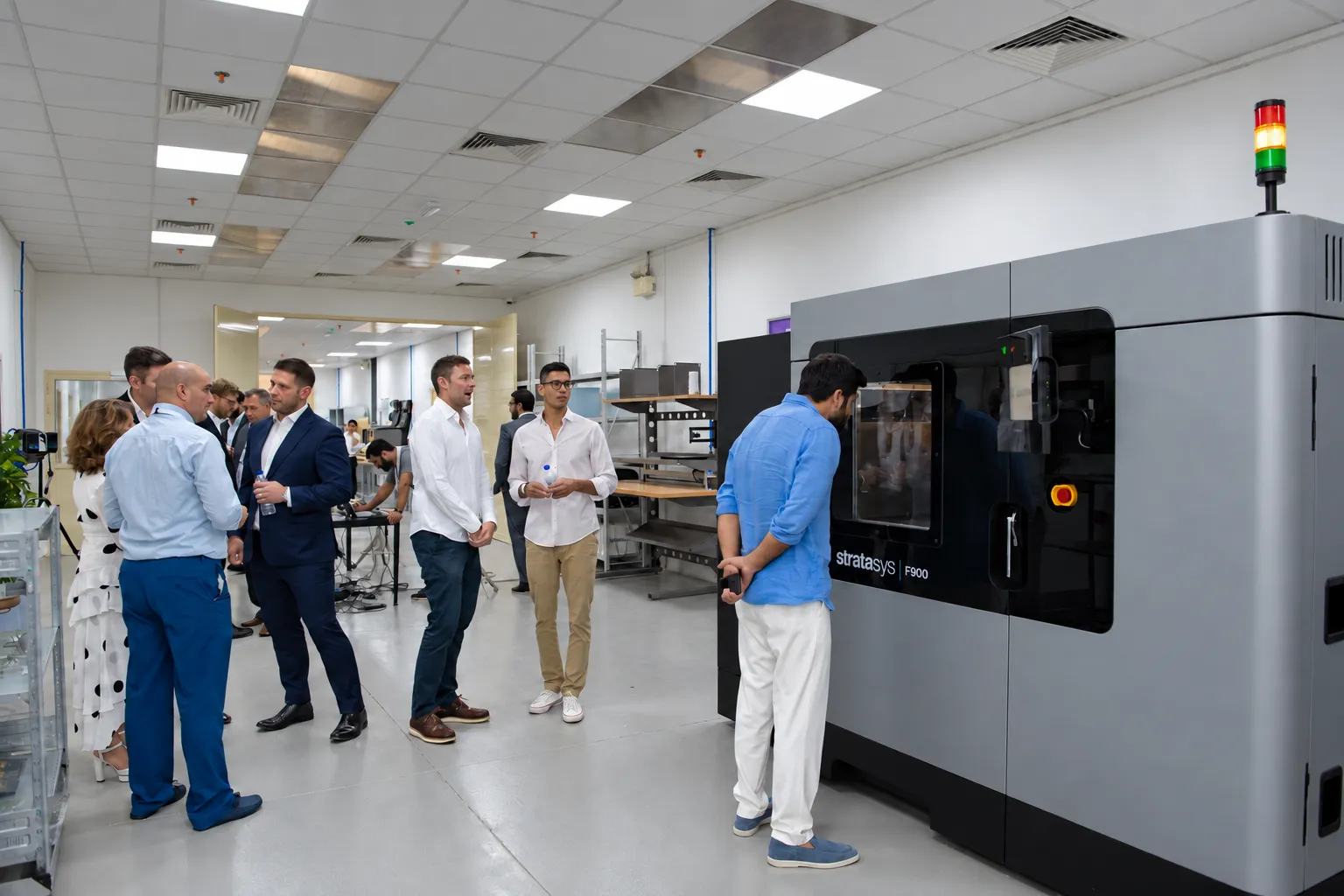
A 10,750 sq ft additive manufacturing facility in Jebel Ali, Dubai, since 2023.
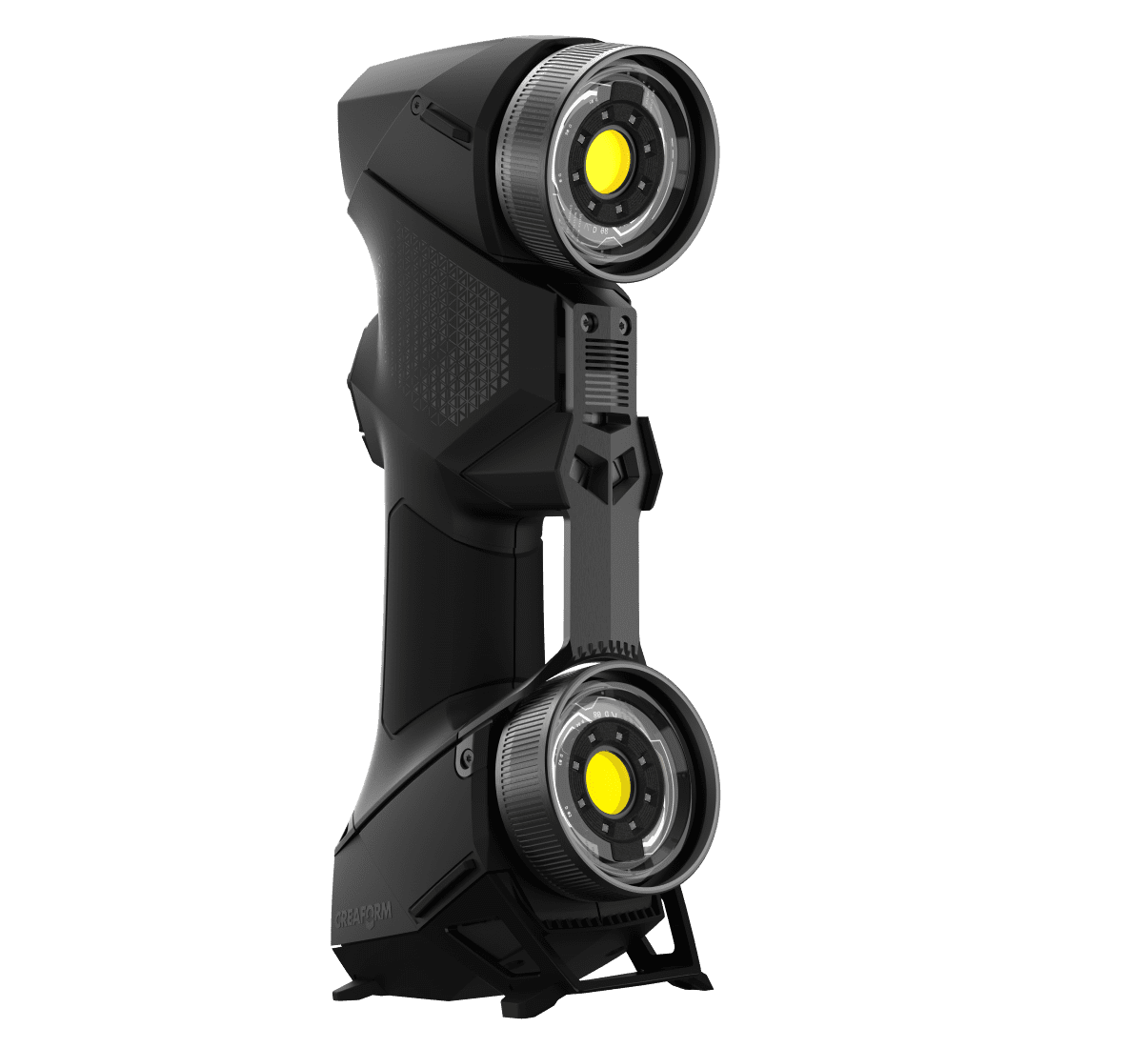
About Paradigm 3DA palm-sized blue-laser scanner for small to medium parts, fine details and narrow areas that larger scanners cannot reach.
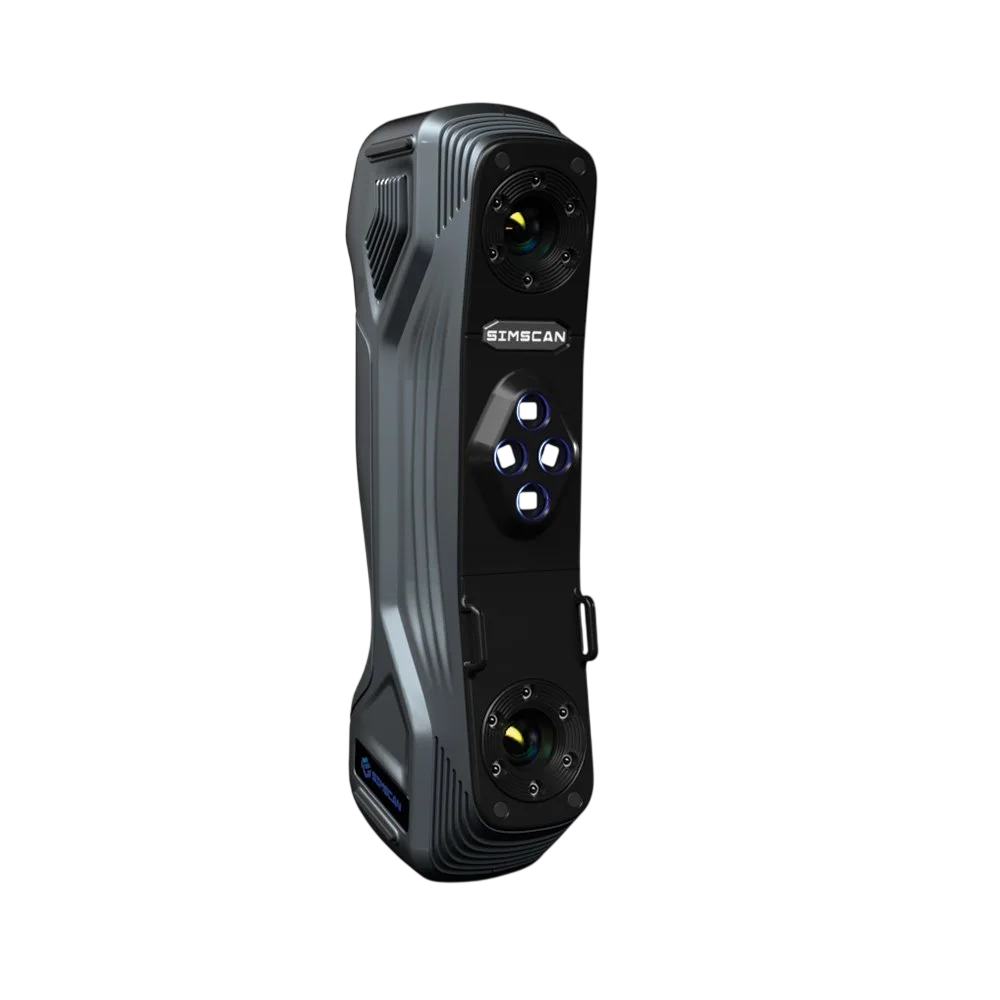
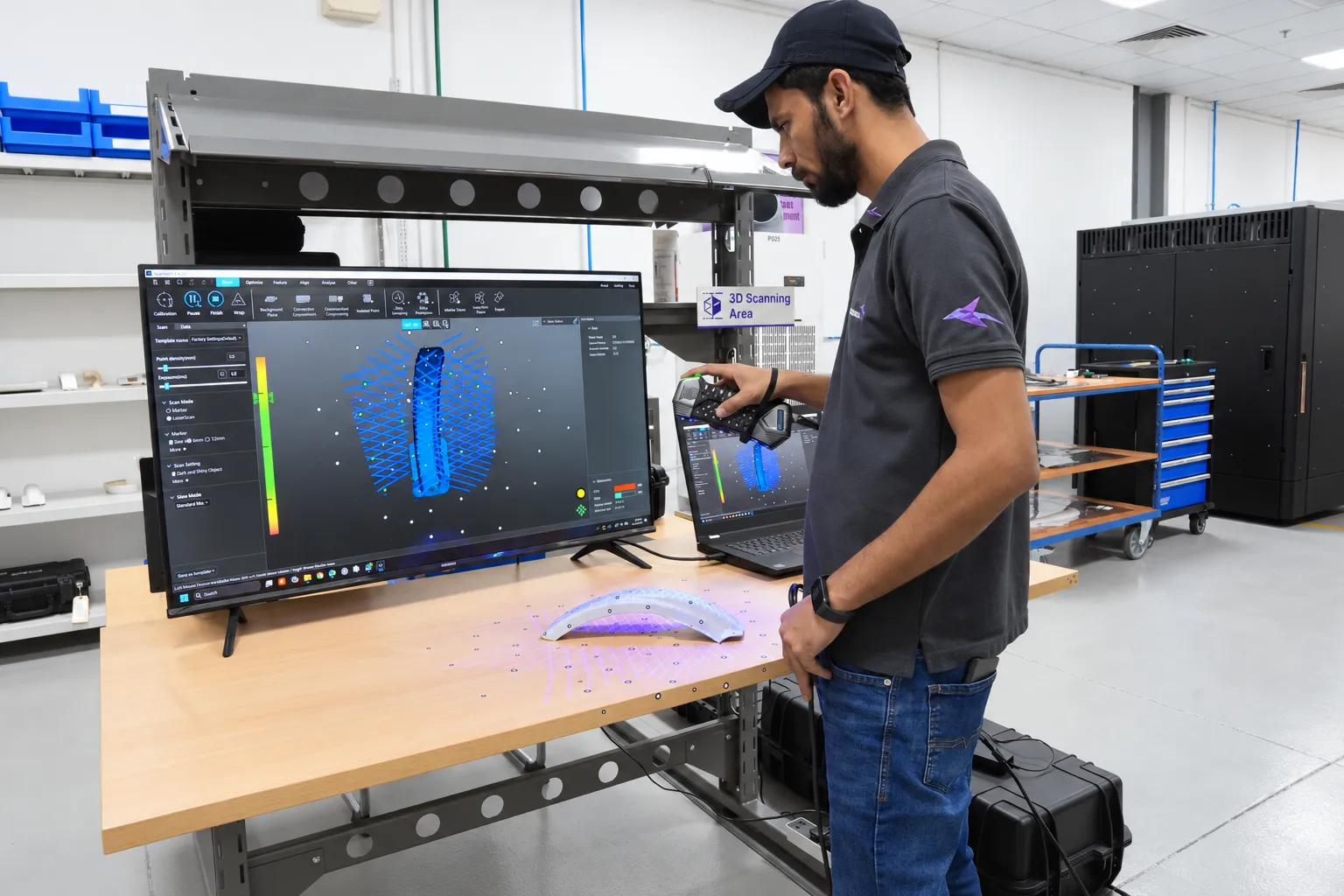
SIMSCAN projects blue laser lines across the part and calculates dense surface coordinates from its stereo cameras. Separate modes capture overall shape, fine detail and deep or narrow features.

Compact, fast and built for geometry that is hard to reach.
A short camera baseline and a dedicated deep-hole line capture grooves, slots and confined features.
Ultra-fast, hyperfine and deep-hole modes adapt capture to the geometry.
A compact metal housing and single-hand controls suit shop-floor measurement.
Up to 5.8 million measurements per second over a scanning area up to 700 × 600 mm.
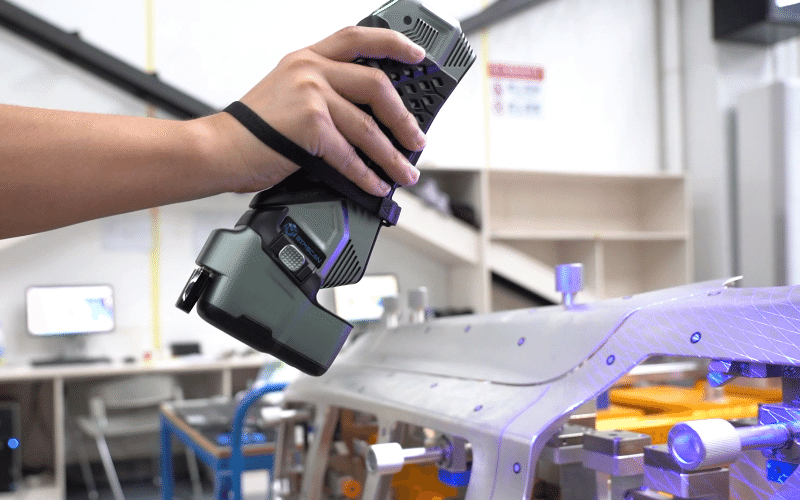
Small and medium parts with fine features, cavities and tight access.
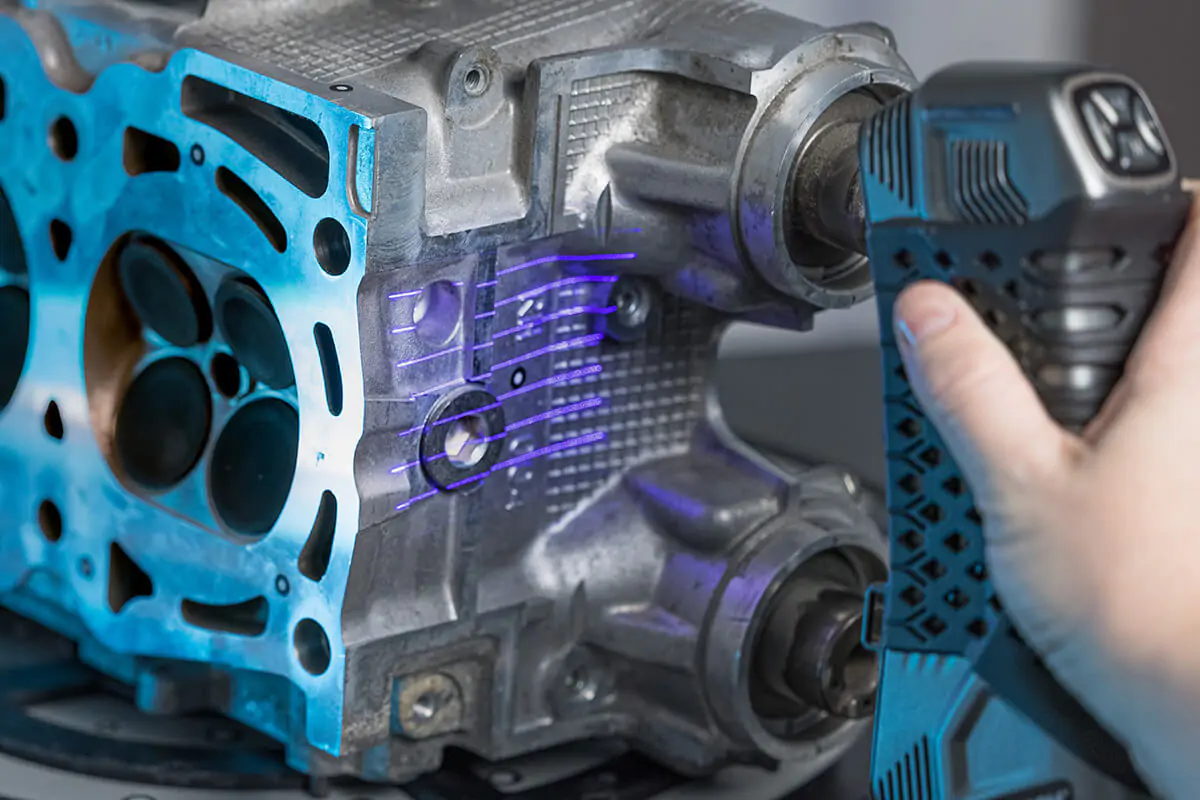
Capture existing parts with small details as the reference for new CAD.
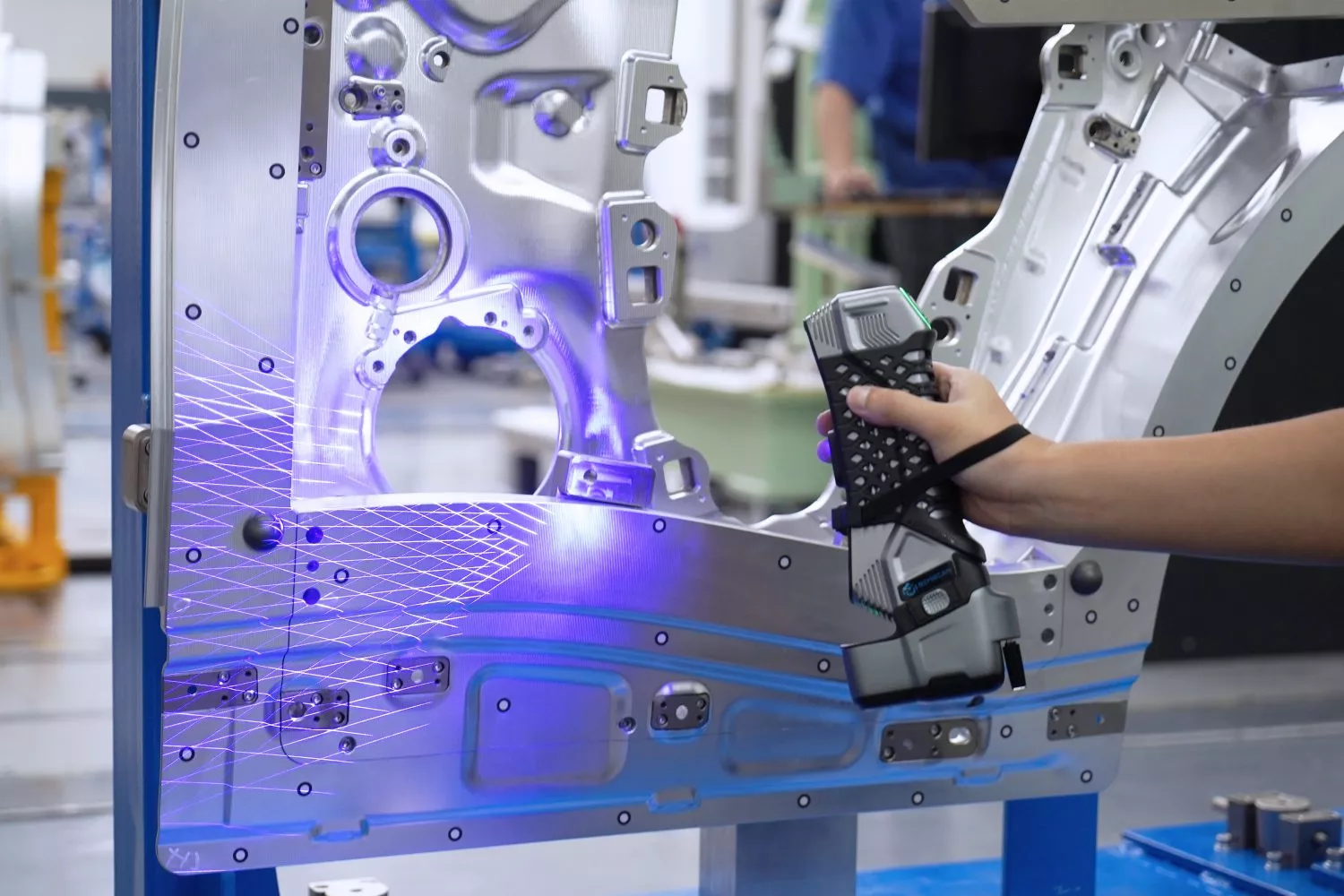
Measure formed panels and freeform surfaces against nominal geometry.
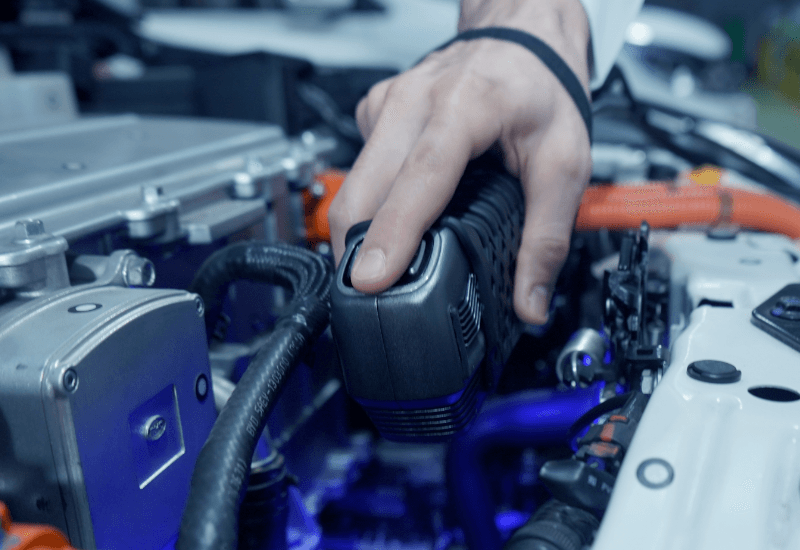
Inspect small features and narrow cavities inside assemblies.

Compare moulds and tools with nominal geometry before and after use.
Values published by SCANOLOGY for the SIMSCAN. What a specific part achieves depends on its geometry, surface, access and alignment.
| Specification | Manufacturer value |
|---|---|
| Accuracy | Up to 0.020 mm |
| Measurement rate | Up to 5,800,000 measurements/s |
| Scanning area | Up to 700 × 600 mm |
| Resolution | Up to 0.020 mm |
| Depth of field | 550 mm |
| Scanning modes | Ultra-fast, hyperfine and deep-hole |
| Dimensions / weight | 203 × 80 × 44 mm / 570 g |
All values are manufacturer specifications for the system, not guaranteed results for an individual part.
A mesh, a parametric model, a drawing and an inspection report do different jobs. Choose the output and we scope the scan around it.

A cleaned, registered mesh of the measured surface: the record of the part as it is.

Editable solids rebuilt from the scan, with 2D drawings so any supplier can make and check the part.
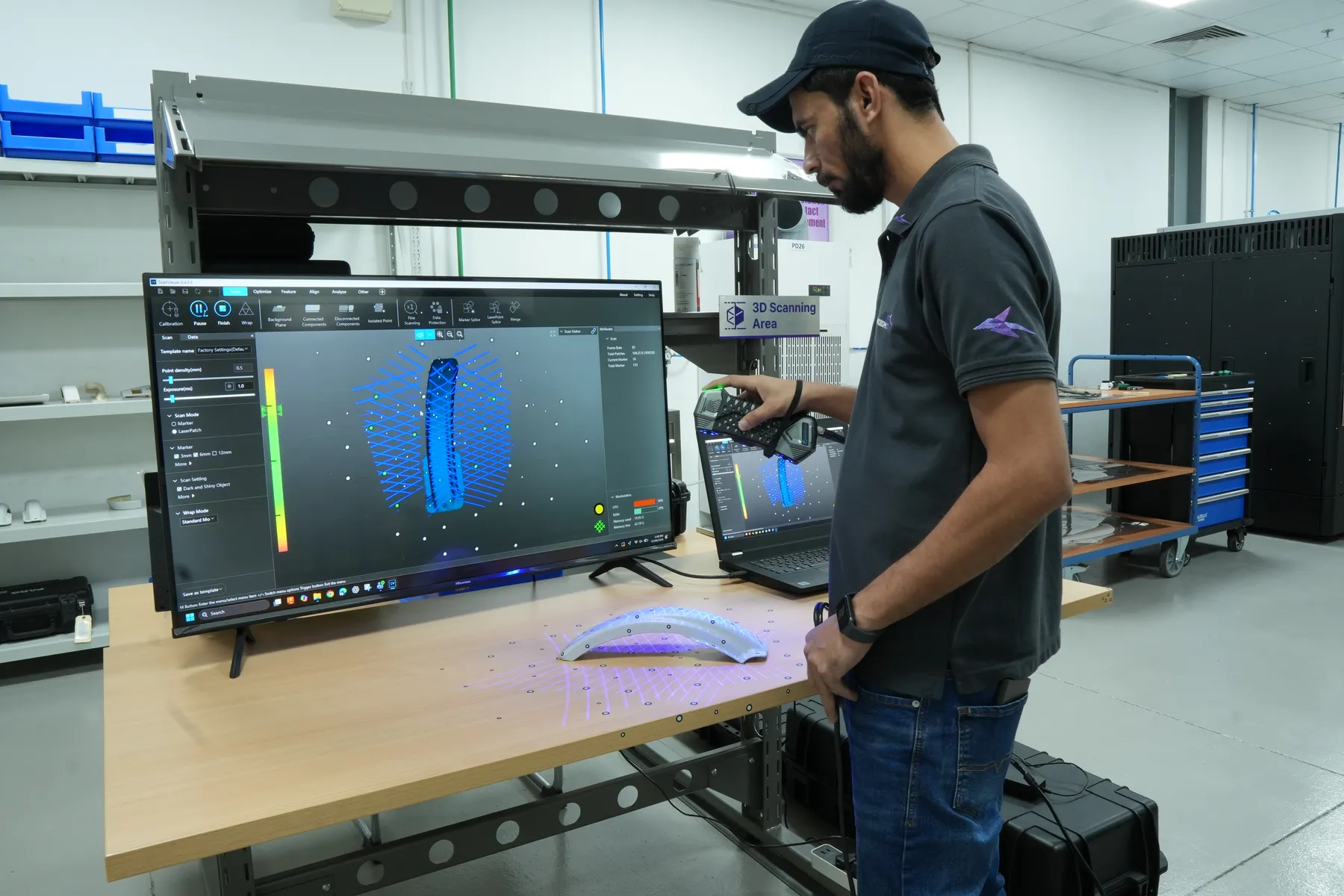
The scan aligned to your CAD and coloured by deviation, with callouts on the features you care about.
The official SCANOLOGY video of SIMSCAN capturing fine features and confined areas.
Scope first, then capture. Agreeing the output before we scan keeps the data useful, and the model can go straight to our printers.
Tell us what the part does, which features are critical and whether you need a mesh, CAD, drawings or a report.
We confirm the SIMSCAN is the right scanner, agree coverage and deliverables, and send price and date.
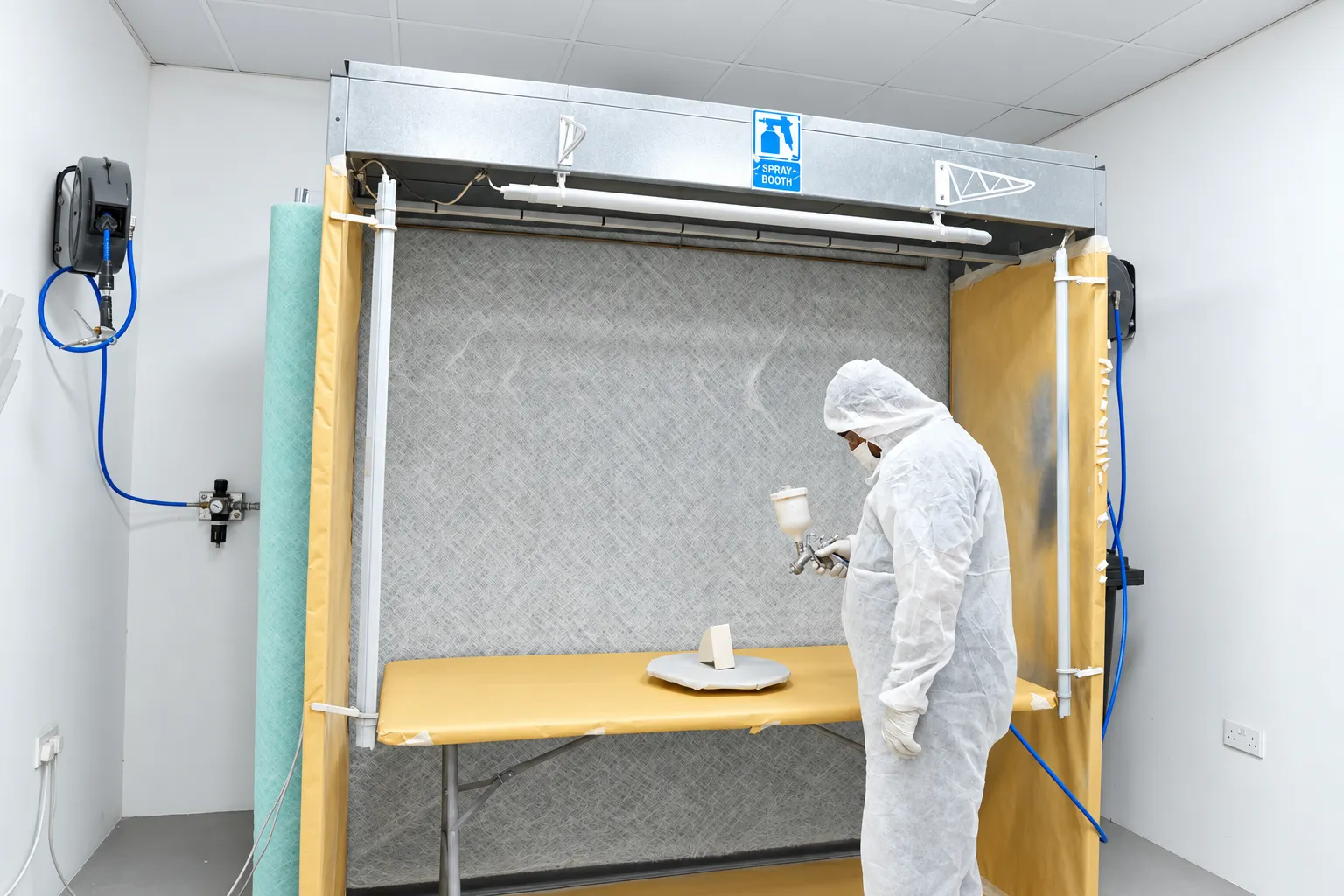
We prepare the surface where needed, capture overlapping views, then align and clean the data.
We rebuild or compare, check against the agreed features and send the files, or go straight to print.
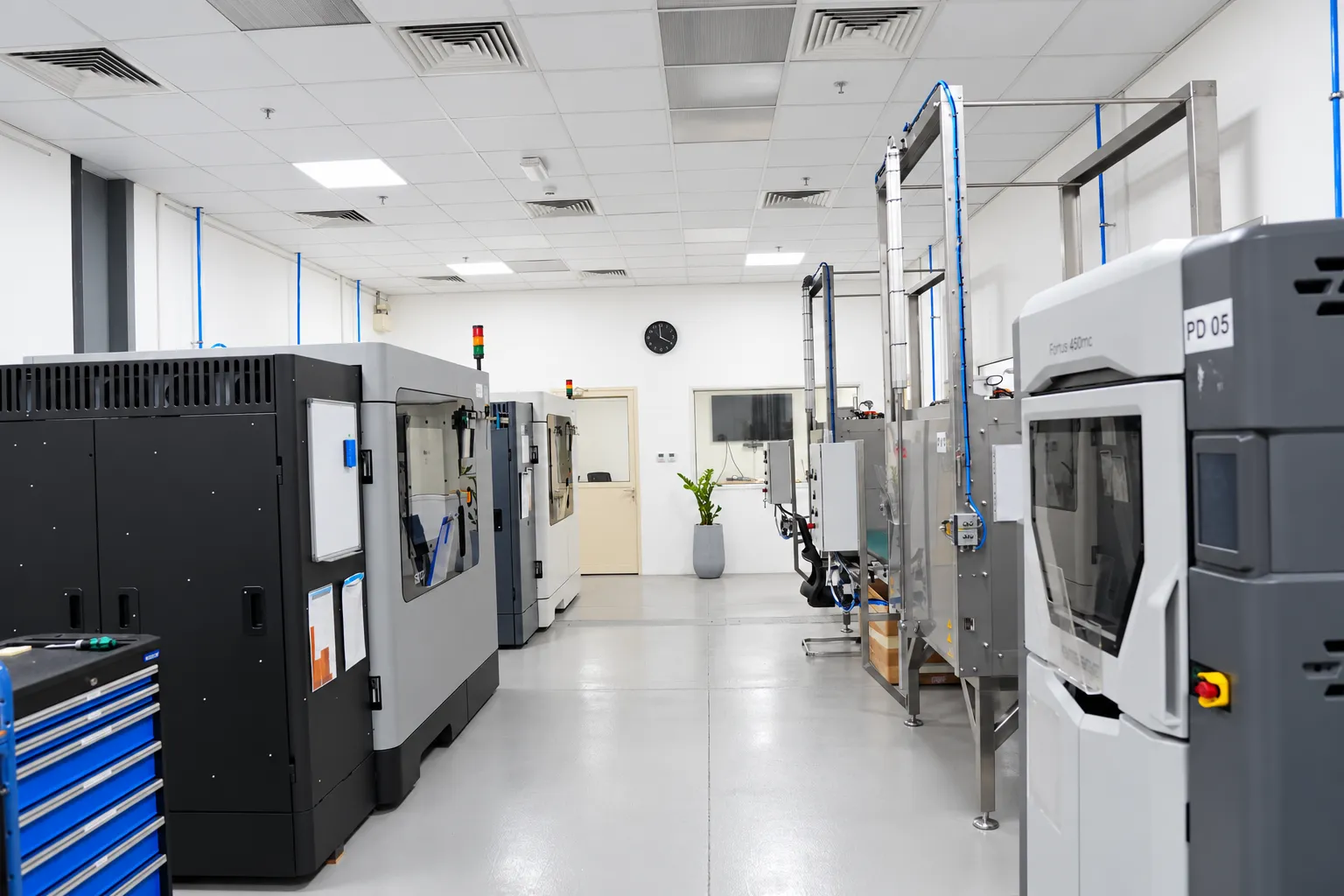
Multiple scanners matched to part size, surface and access, next to the printers that make the part.
Anything else? See all FAQs
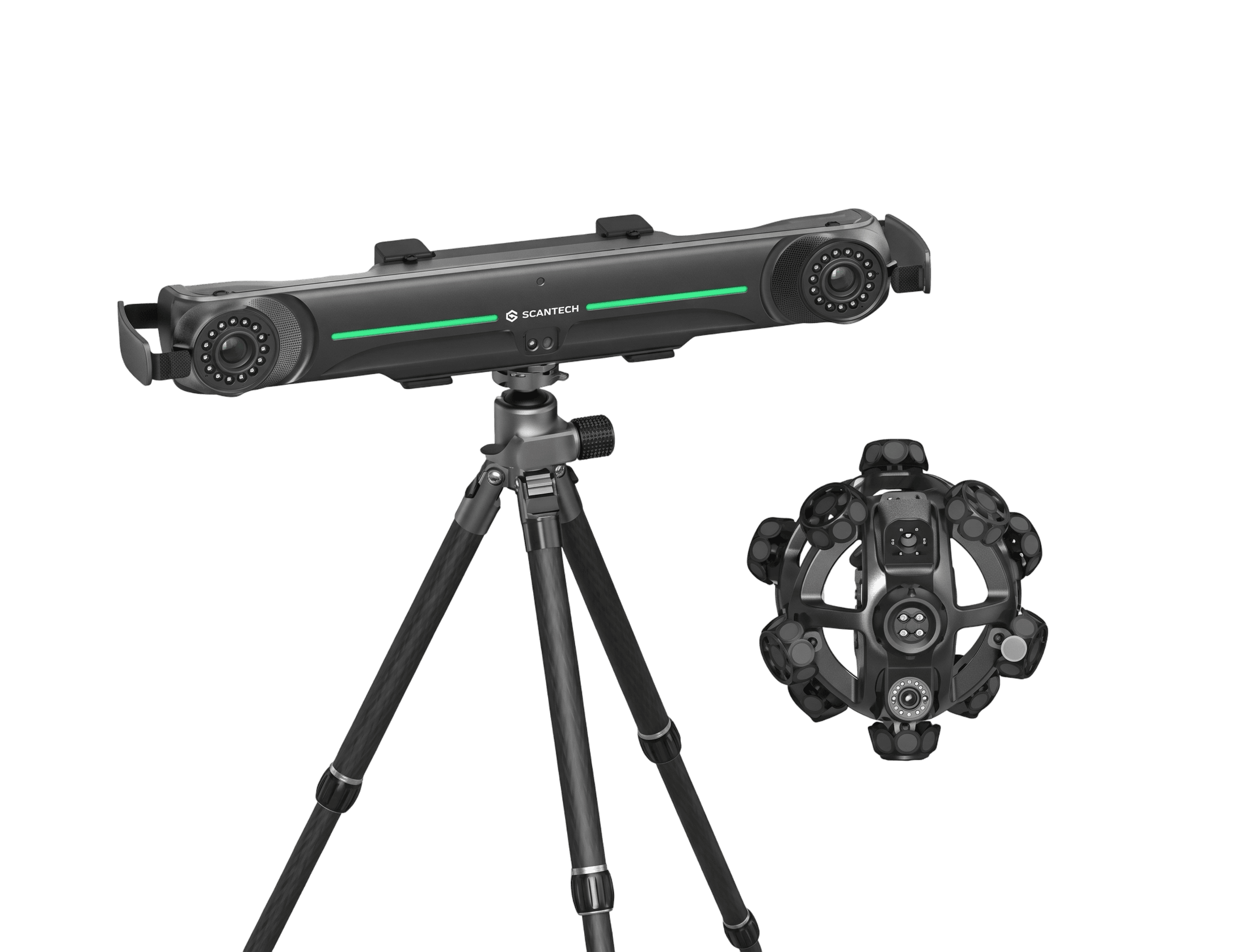
Small to medium components with fine features, holes, slots or areas that are hard to reach. Large structures go to NimbleTrack or HandySCAN.
SCANOLOGY states accuracy and resolution up to 0.020 mm. The accuracy of a finished model also depends on surface, access and alignment, which we review before confirming the job.
Yes. Its deep-hole mode uses a dedicated laser line to capture narrow and deep features that standard modes miss.
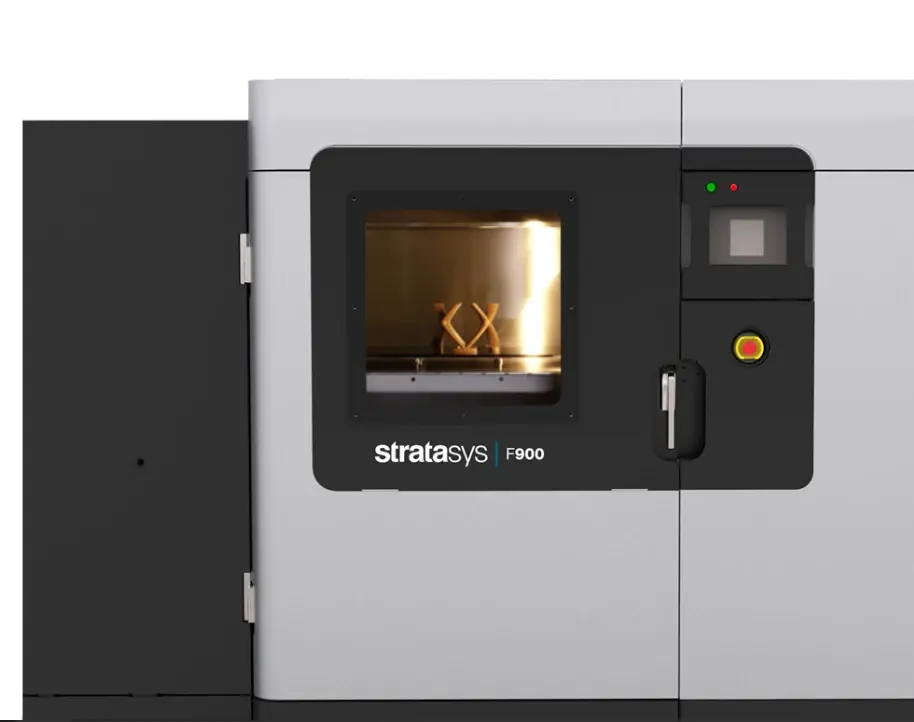
Yes. Scanning, CAD and production sit in the same Jebel Ali facility, so the rebuilt model goes straight to our FDM, SLS or metal printers.
Send a drawing, a CAD file, or photographs and the old part. Tell us what it does, how many you need and when.